Ecommerce White Background & Cutouts
1-click compliant pure white and transparent images for marketplace catalogs, perfectly carving handles, reflections, and mesh.
1:1 MainCompliant WhiteBulk Processing
Powered by advanced neural segmentation. Flawlessly isolates fine hair strands, translucent fabric, and complex hollows into studio-ready transparent and pure white assets.


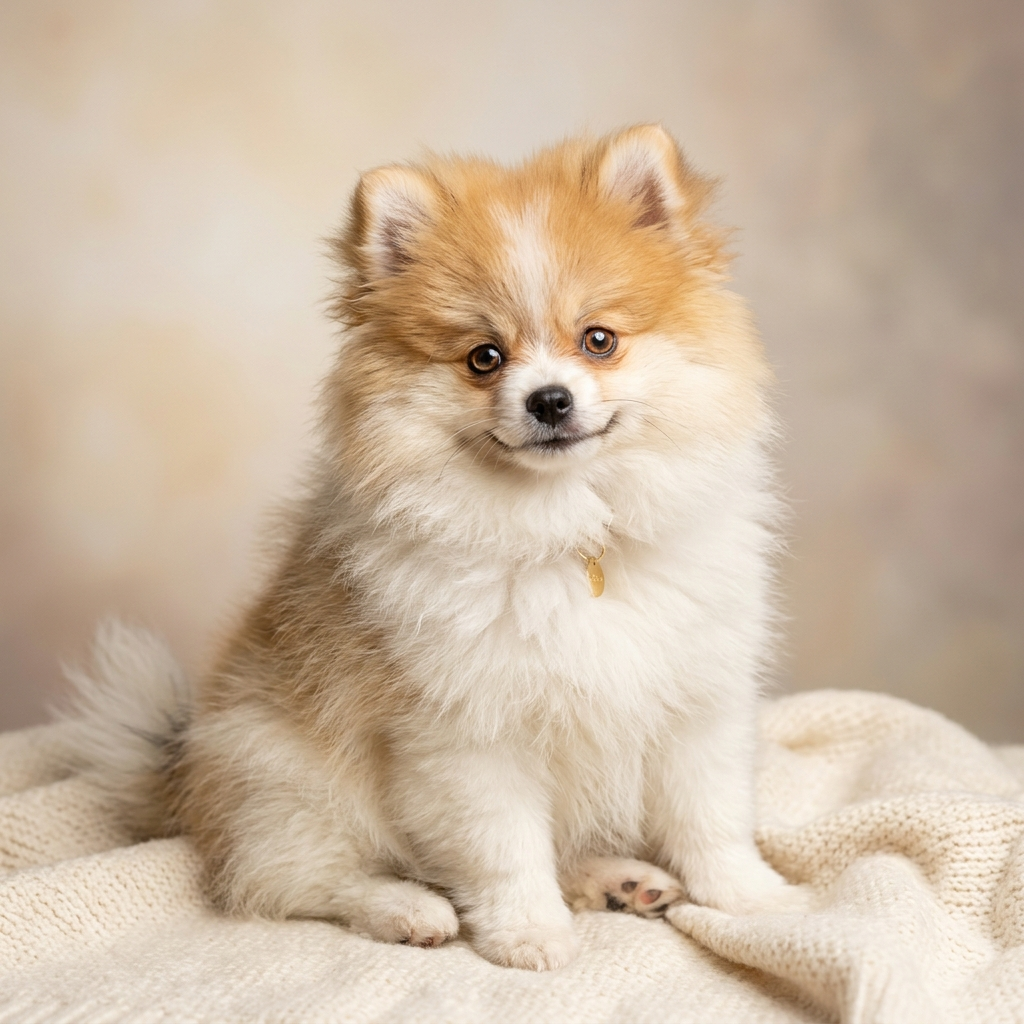

Drag the slider to compare original photos with transparent cutout results
 After (Transparent)Original
From ecommerce listing to social media marketing, empowering your visual pipeline
1-click compliant pure white and transparent images for marketplace catalogs, perfectly carving handles, reflections, and mesh.
State-of-the-art neural segmentation faithfully preserves floating hair strands and veils with natural transitions.
Standard 1-inch, 2-inch, and passport specifications with instant red, blue, white, and gray background swaps.
Ultra-fine fur extraction capturing every tiny strand for puppies and kittens; instant viral avatars and promotional graphics.
Faster, sharper, and more powerful image productivity workflow
Deep neural pixel-level edge segmentation accurately separates complex backgrounds and semi-transparent objects.
Millisecond high-performance inference, eliminating tedious pen-tool tracing in traditional editing software.
Queue dozens of product shots simultaneously, auto-center, and export transparent or white assets in bulk.
Seamlessly switch among hundreds of background scenes, resize, enhance, or open in AI Designer for further creation.
Drag & drop or click to upload your image, supporting single and batch uploads.
Neural networks detect subjects in milliseconds, removing backgrounds while preserving fine edge details.
Choose pure white, scene backgrounds, ecommerce aspect ratios, or transfer directly into AI Designer.
Learn more about cutout technology, export specs, and commercial usage
It is as easy as dragging your image into the upload box. The AI automatically detects subjects and removes backgrounds in 2-3 seconds with zero manual tracing needed.