How to choose an enhancement mode
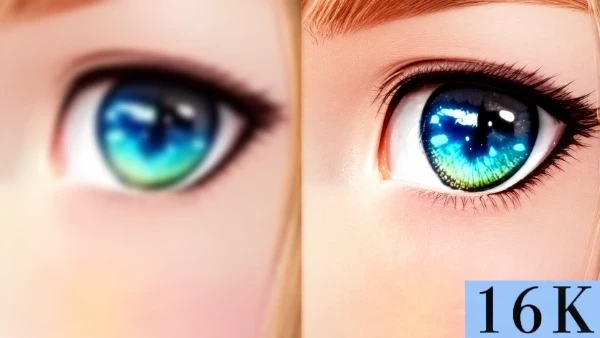
Choose Subtle Enhance for an already clear source, Restore Enhance for low resolution or noisy texture, and Deep Restore when severe blur, compression damage, or hard-to-read text remains. Deep Restore reconstructs visible detail first, then applies subtle upscaling to the selected size.
Images suited to Deep Restore
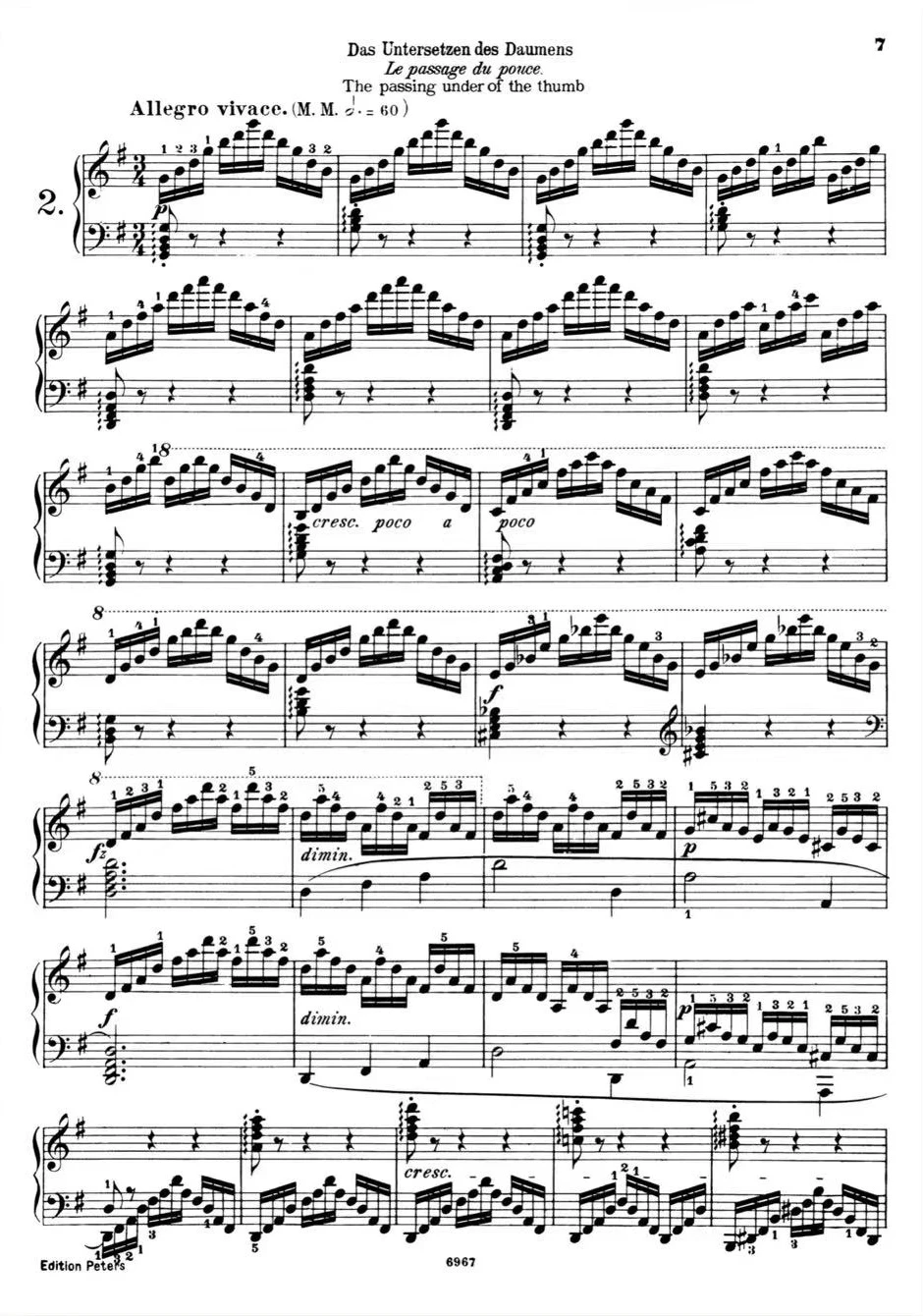
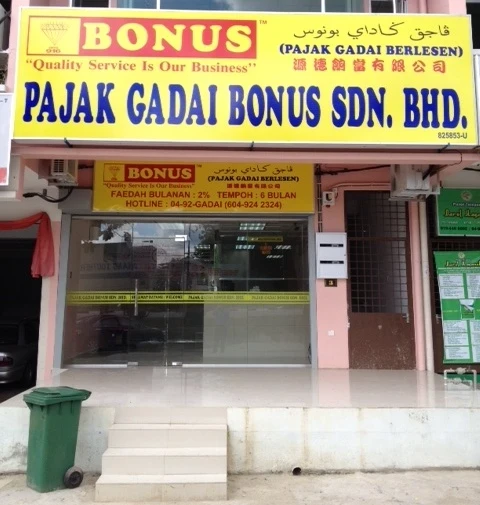
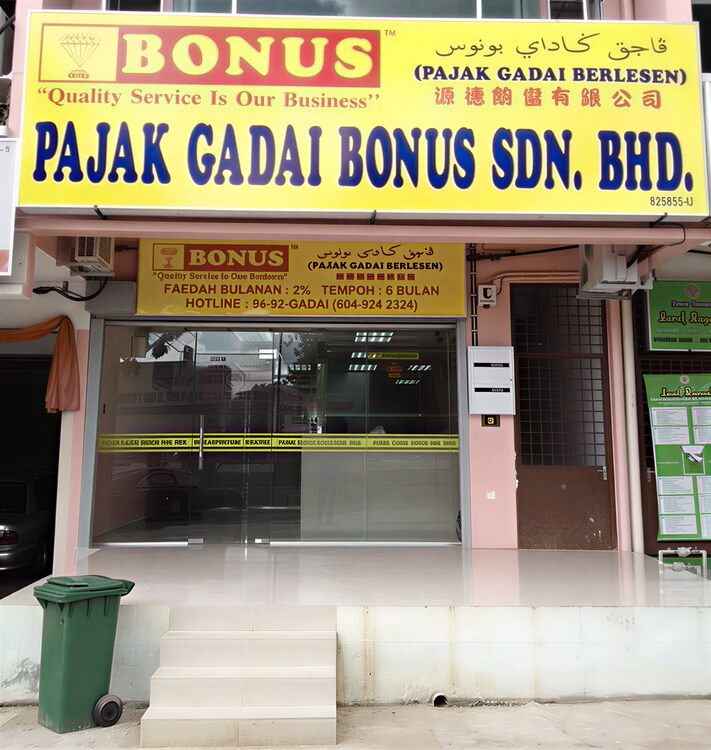
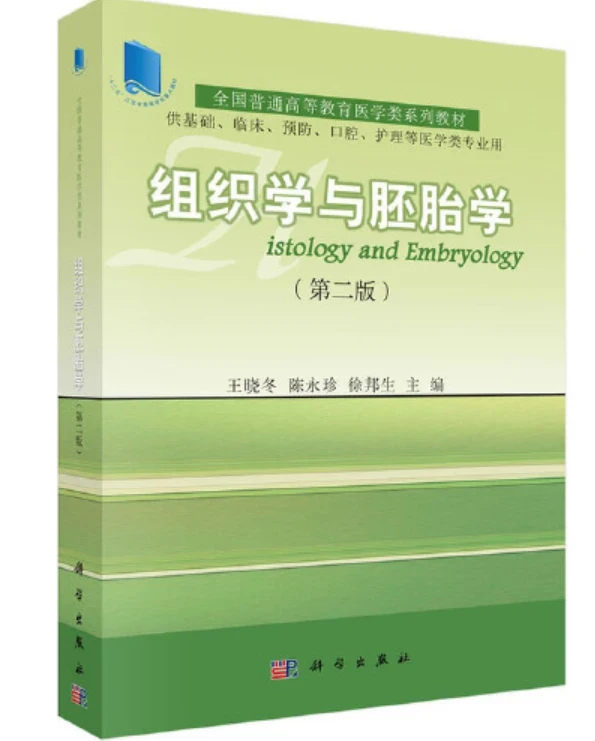
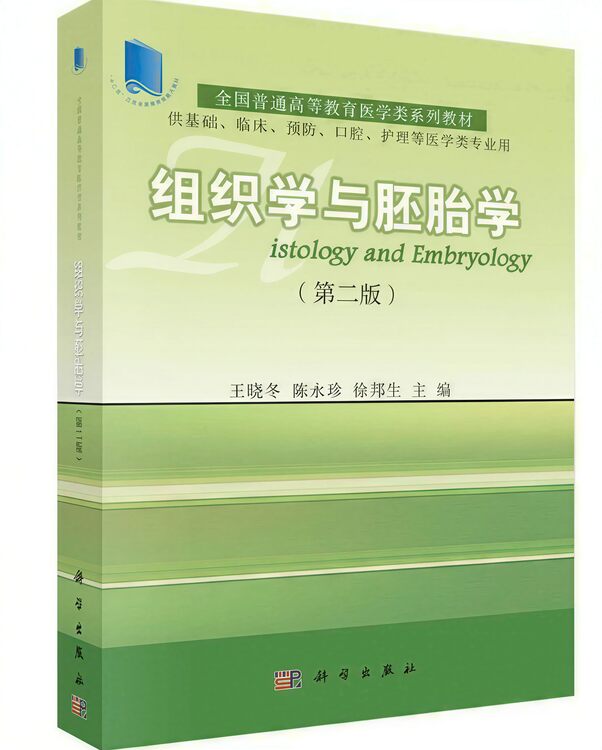
It suits repeatedly compressed social images, out-of-focus or mildly motion-blurred photos, old photos, low-resolution product shots, and posters whose text edges and layout need cleanup. Choose a restoration focus for products, portraits, or text-heavy artwork.
What to verify after restoration
Deep Restore may make plausible inferences where the source has lost information. Zoom in and verify names, numbers, prices, specifications, logos, labels, facial details, and small structures. For IDs, contracts, receipts, medicine labels, medical images, or evidentiary use, rely on the original or human-reviewed OCR.