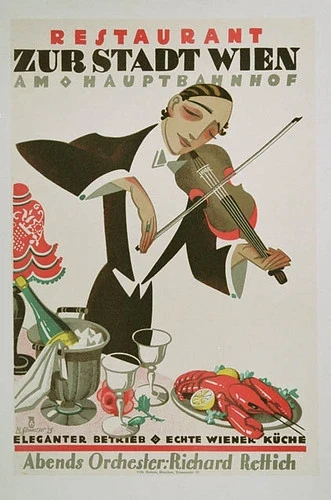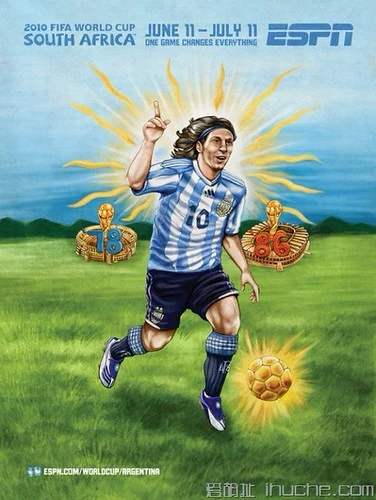
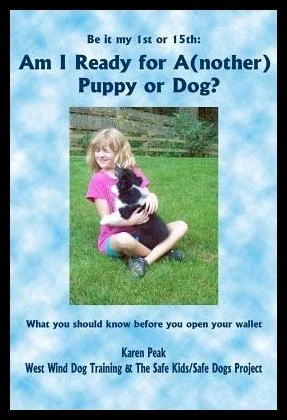
元画像
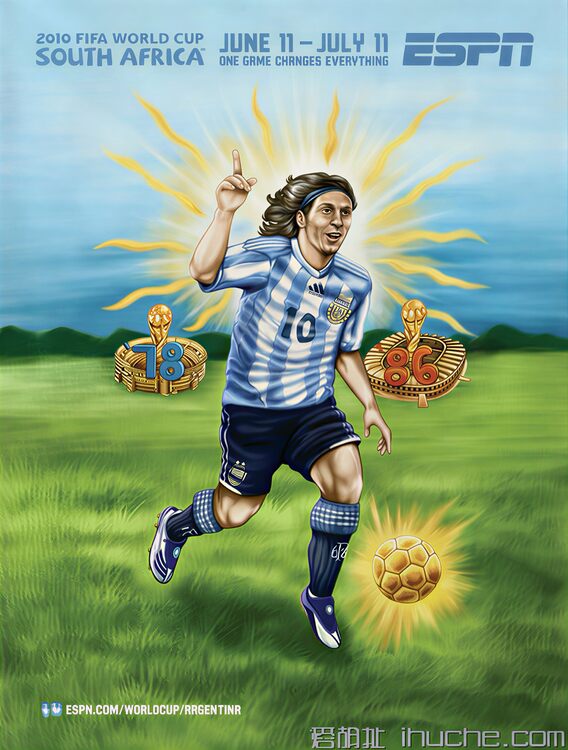
AI高画質化 2010年ワールドカップ アルゼンチン メッシ イラストポスター
ぼやけたレトロ手描き風のサッカーW杯ポスターを鮮明な高解像度に修復する方法は?
ImgAk AI画像高画質化ツールでワンクリック実現可能です。本案例では低解像度の2010南アフリカW杯メッシテーマポスターのディテールを補完し、鮮やかな色彩の高精細画像に仕上げ、プロ印刷に対応します。
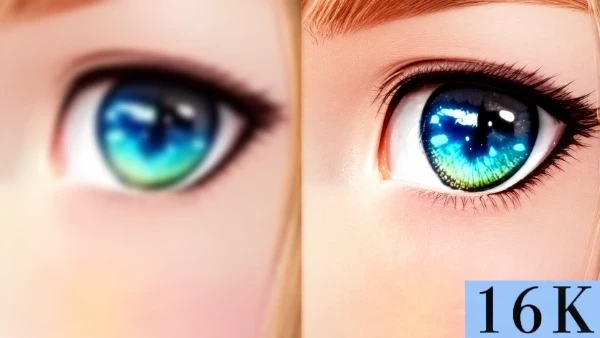
Browse real AI画像高画質化・拡大 examples. Their titles, natural-language Q&A, and images explain achievable subjects, styles, and use cases; choose “Create similar” to reuse the settings.

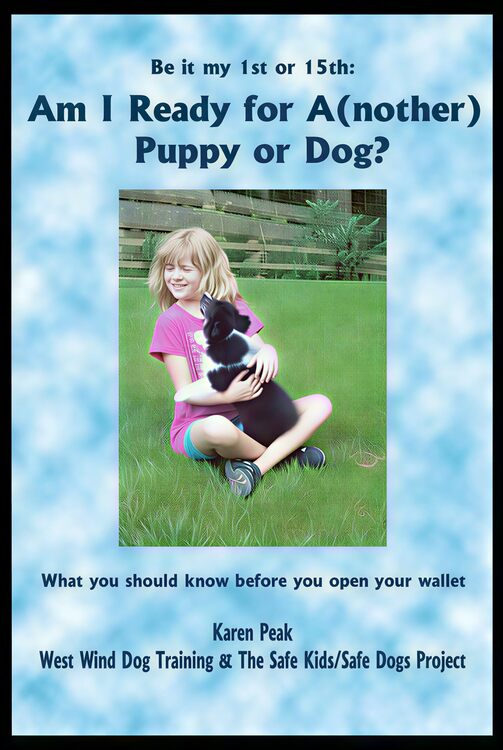
Choose Subtle Enhance for an already clear source, Restore Enhance for low resolution or noisy texture, and Deep Restore when severe blur, compression damage, or hard-to-read text remains. Deep Restore reconstructs visible detail first, then applies subtle upscaling to the selected size.
It suits repeatedly compressed social images, out-of-focus or mildly motion-blurred photos, old photos, low-resolution product shots, and posters whose text edges and layout need cleanup. Choose a restoration focus for products, portraits, or text-heavy artwork.
Deep Restore may make plausible inferences where the source has lost information. Zoom in and verify names, numbers, prices, specifications, logos, labels, facial details, and small structures. For IDs, contracts, receipts, medicine labels, medical images, or evidentiary use, rely on the original or human-reviewed OCR.
No guarantee is possible. The default only strengthens characters supported by the source. If you know the wording, choose “I will provide exact text.” Fully lost characters still require the original or human-reviewed OCR.
8K and 16K mainly control final dimensions. Deep Restore first addresses severe blur and compression damage, then enters the existing upscaling flow. Clear sources do not need this extra stage, and larger dimensions do not make missing information more factual.
The system prioritizes identity, subject count, composition, product silhouette, material, color, and label placement, but severely blurred areas may still be inferred. Compare against the source before publishing and check faces, logos, packaging text, and structural parts.