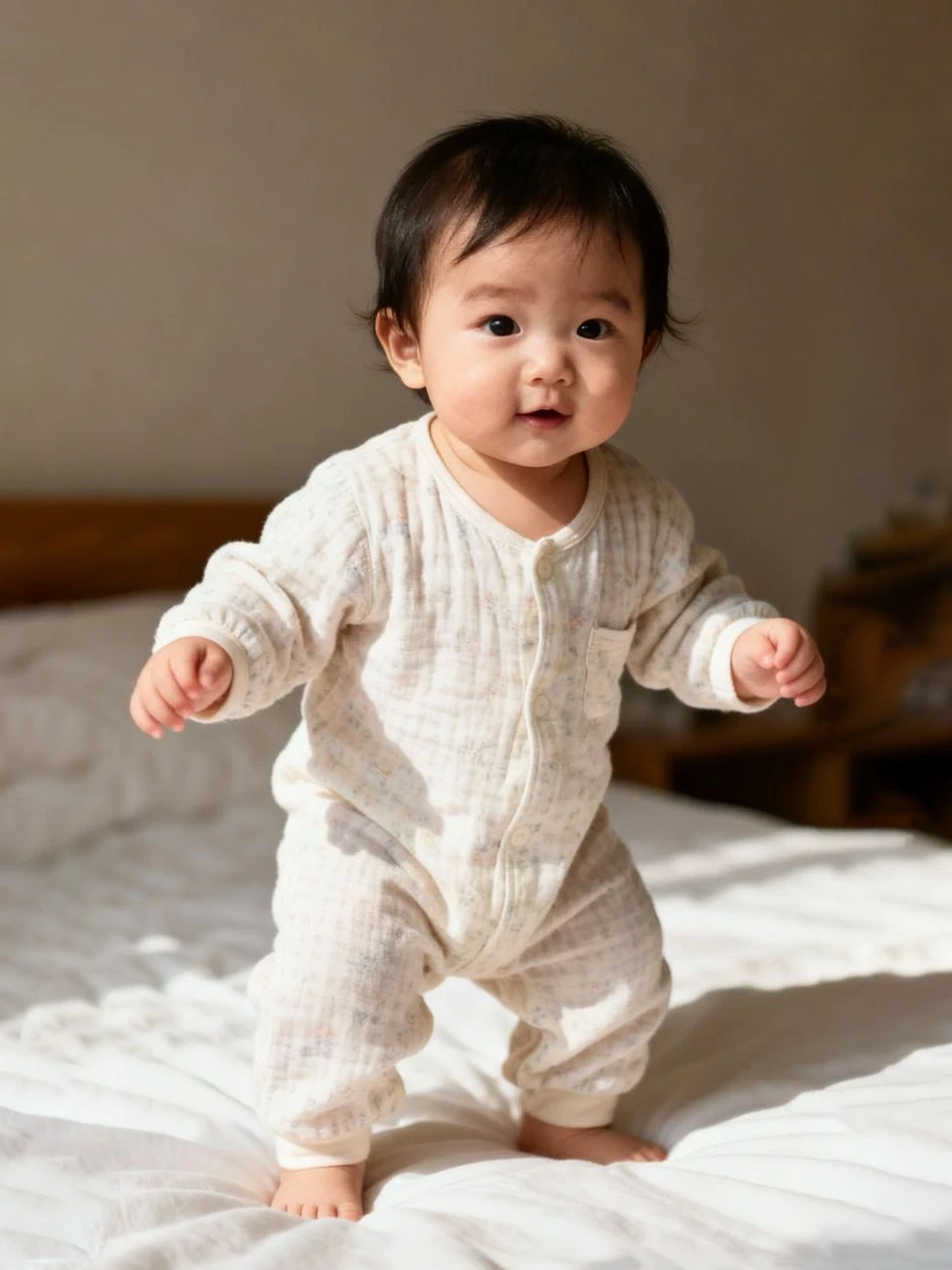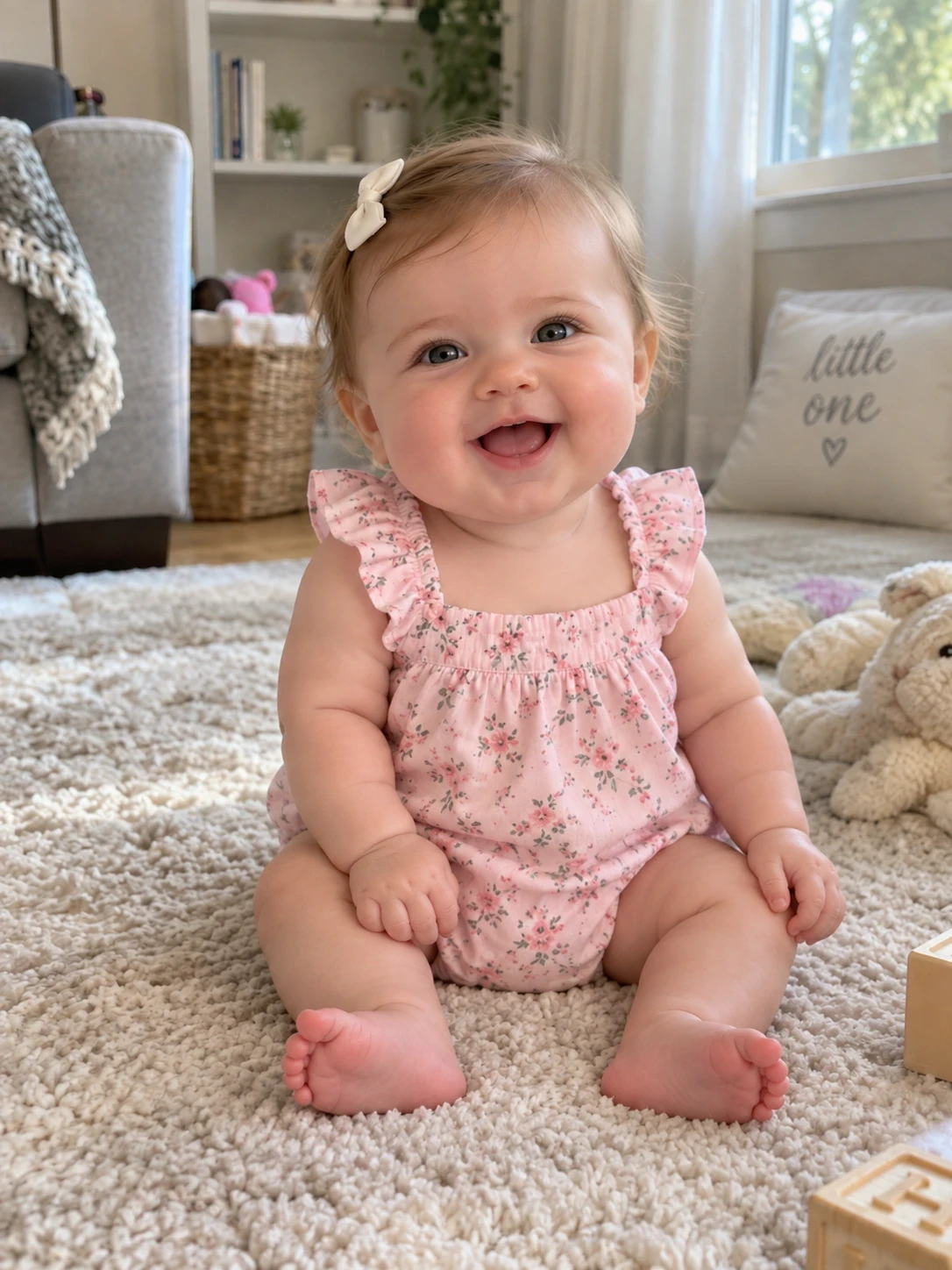
Original
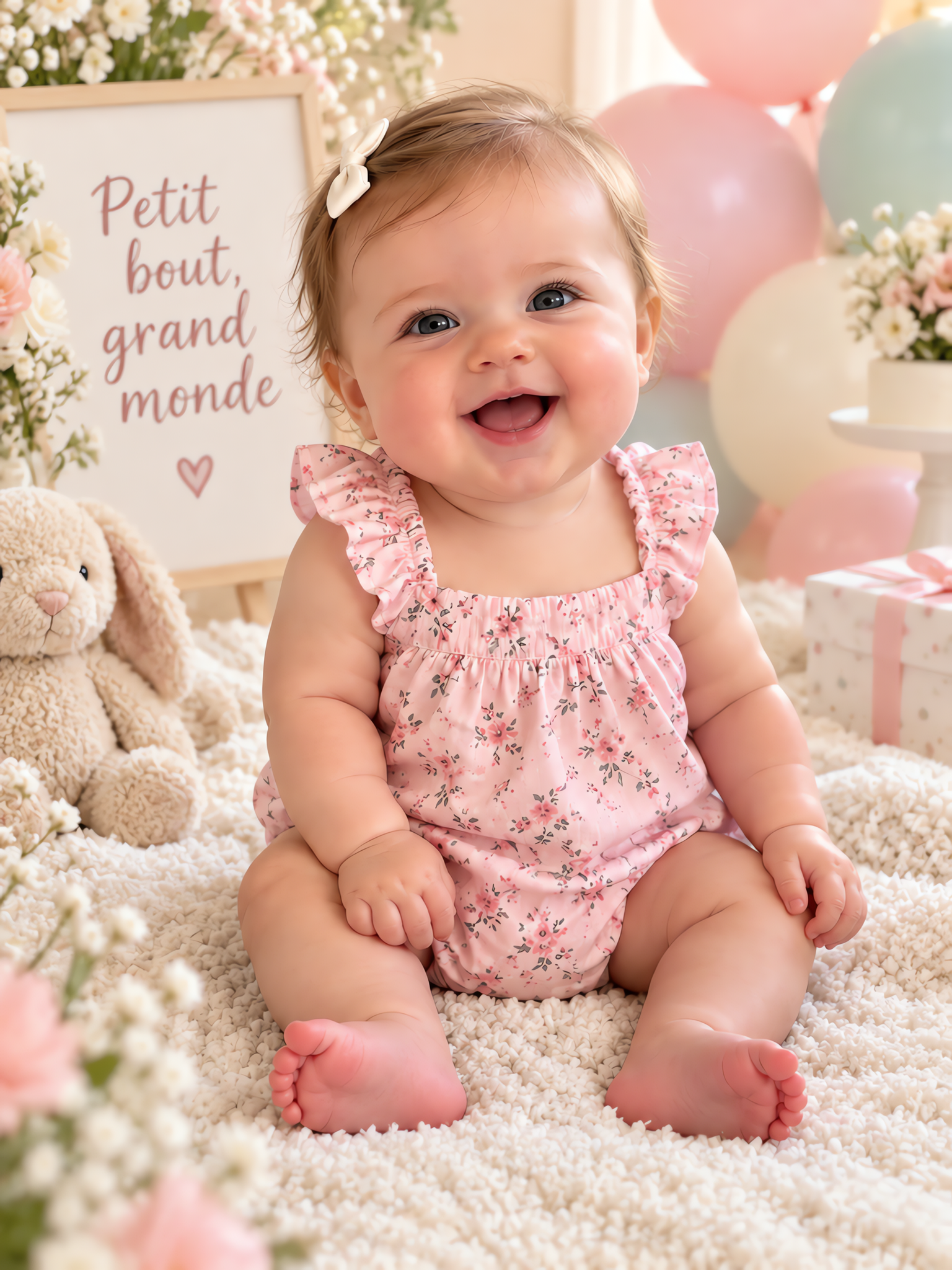
Keepsake portrait
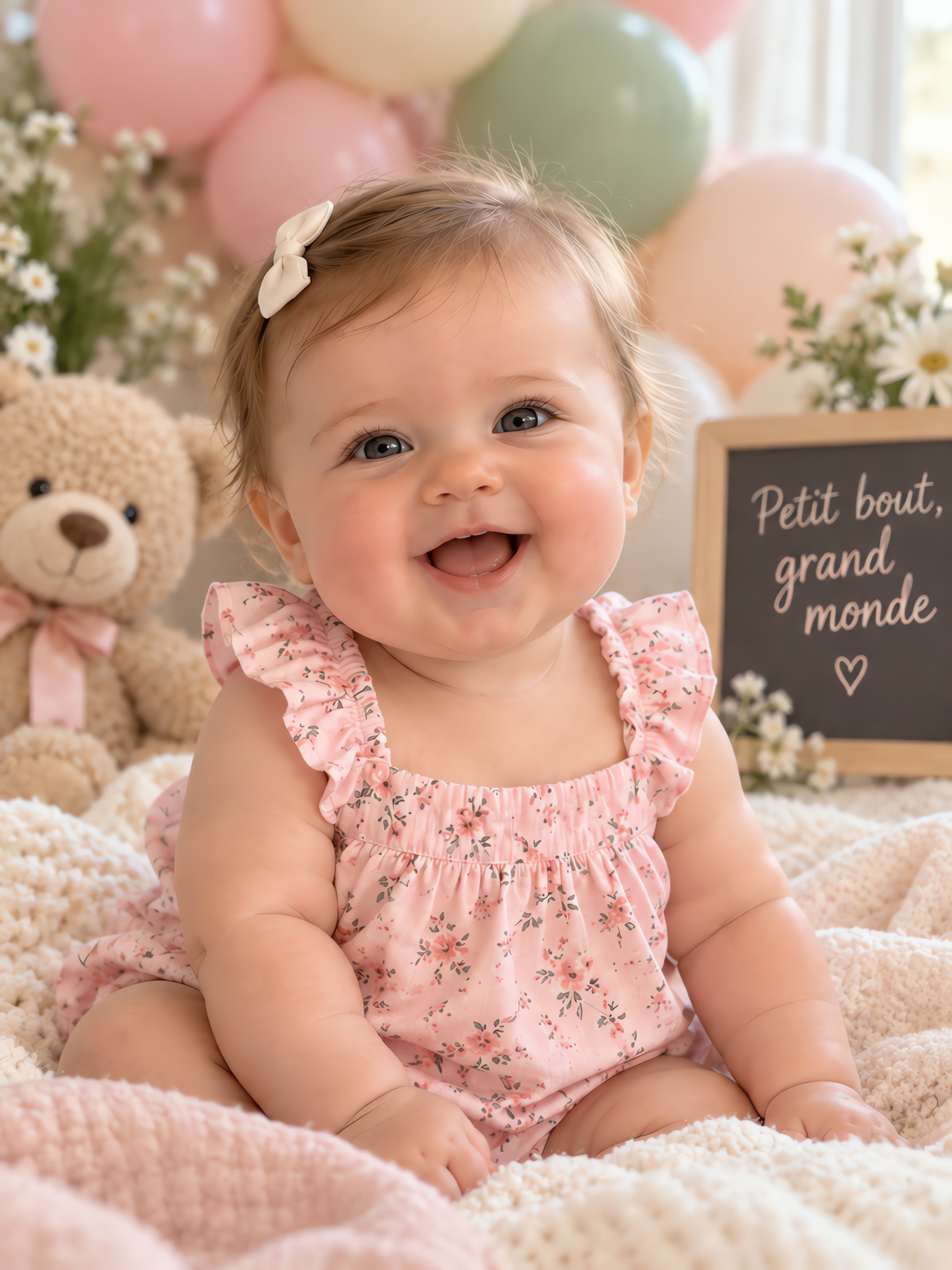
Expressive close-up
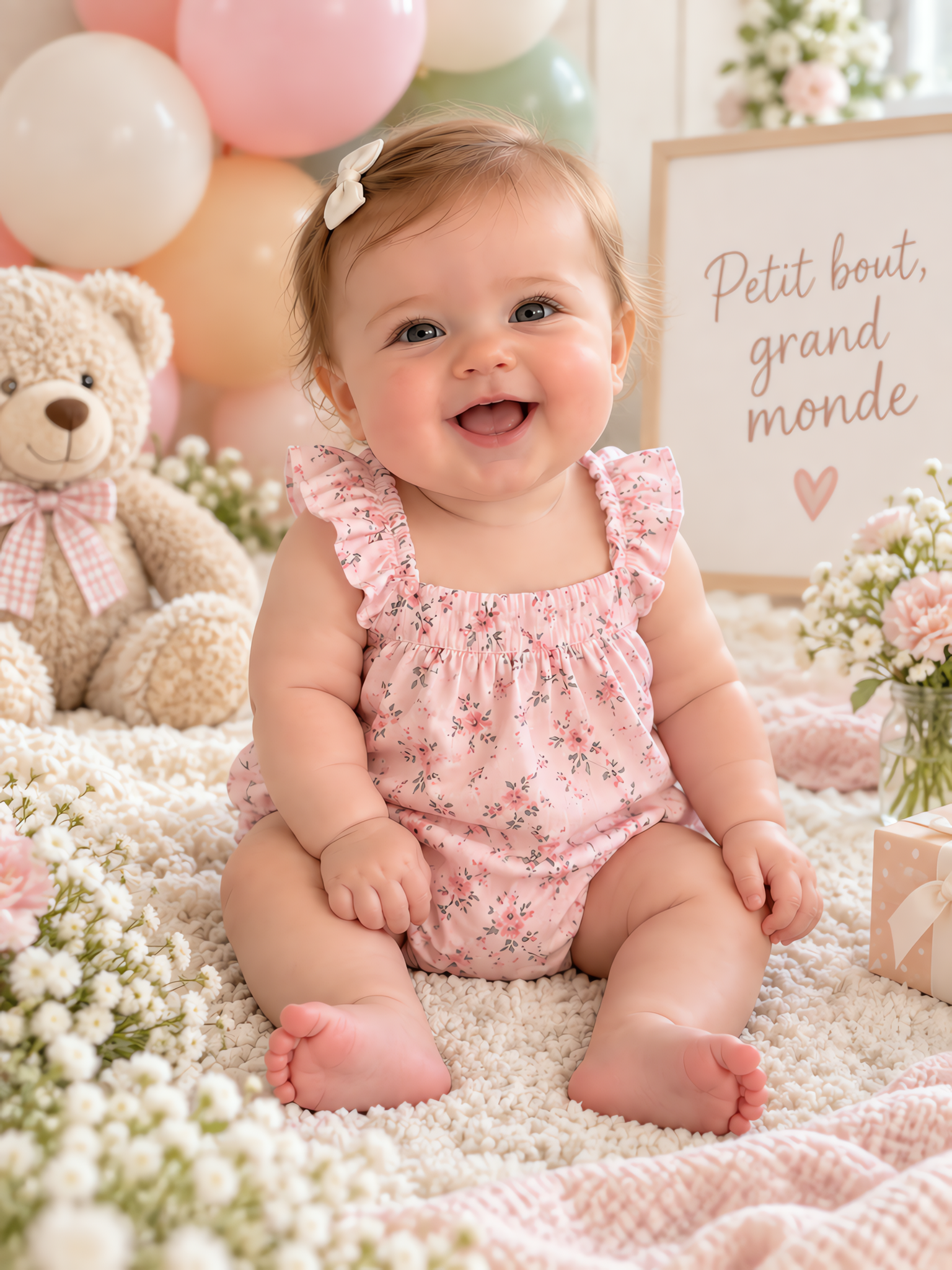
Candid little moment
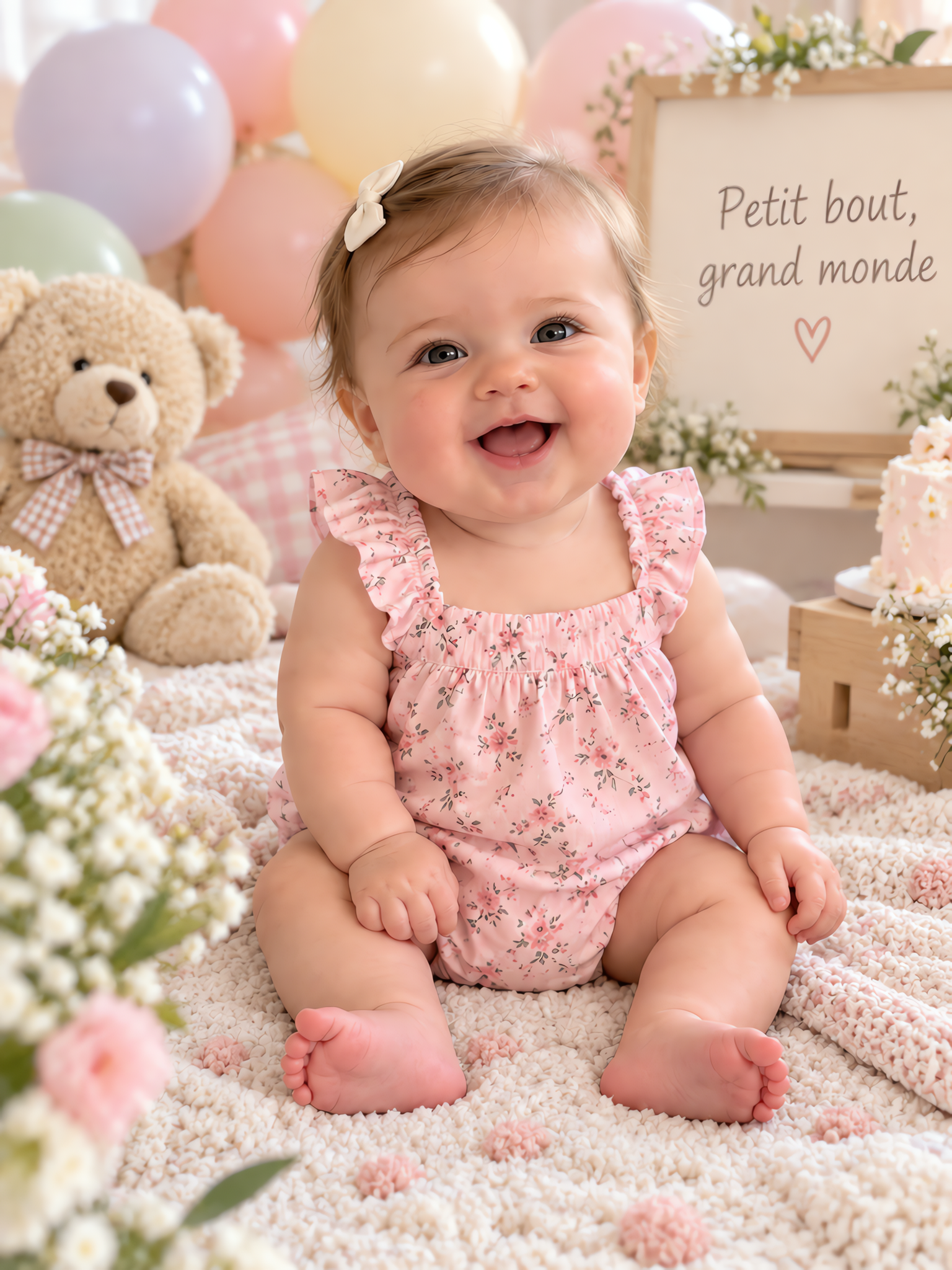
Childhood scene
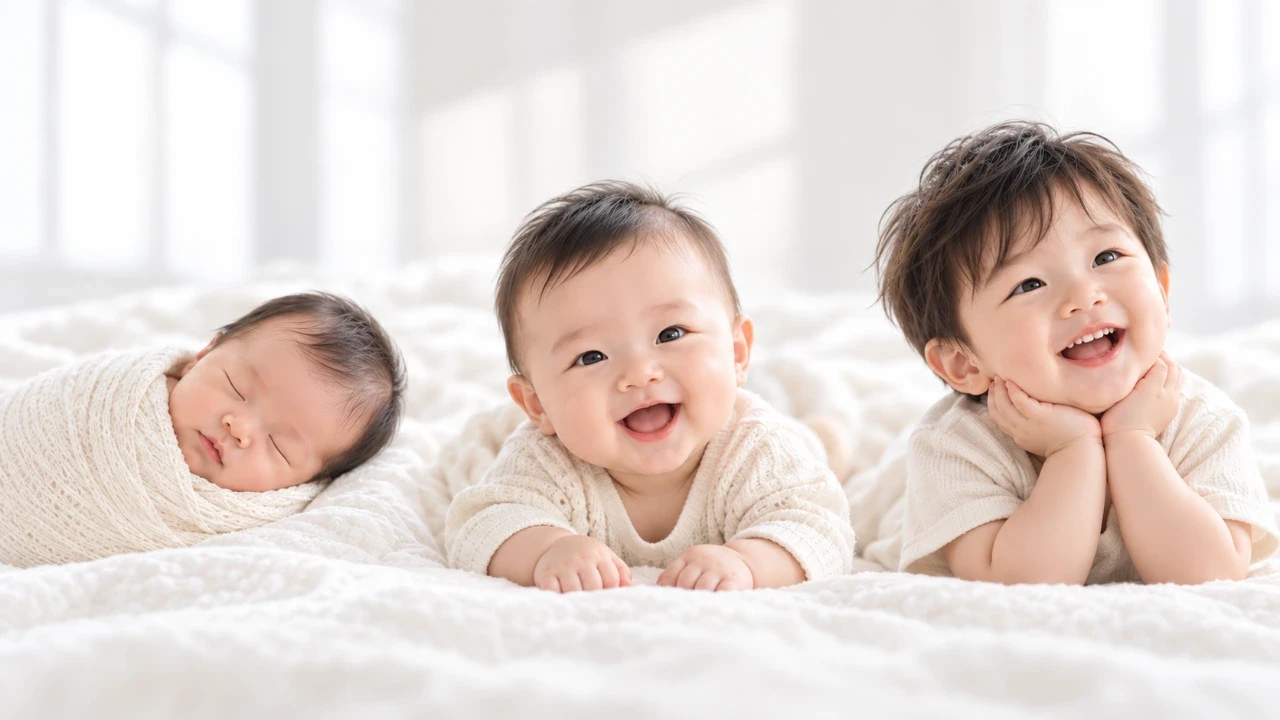
Want different angles and expressions? Add more photos of the same person.
Browse real AI Kids Photo Studio examples. Their titles, natural-language Q&A, and images explain achievable subjects, styles, and use cases; choose “Create similar” to reuse the settings.
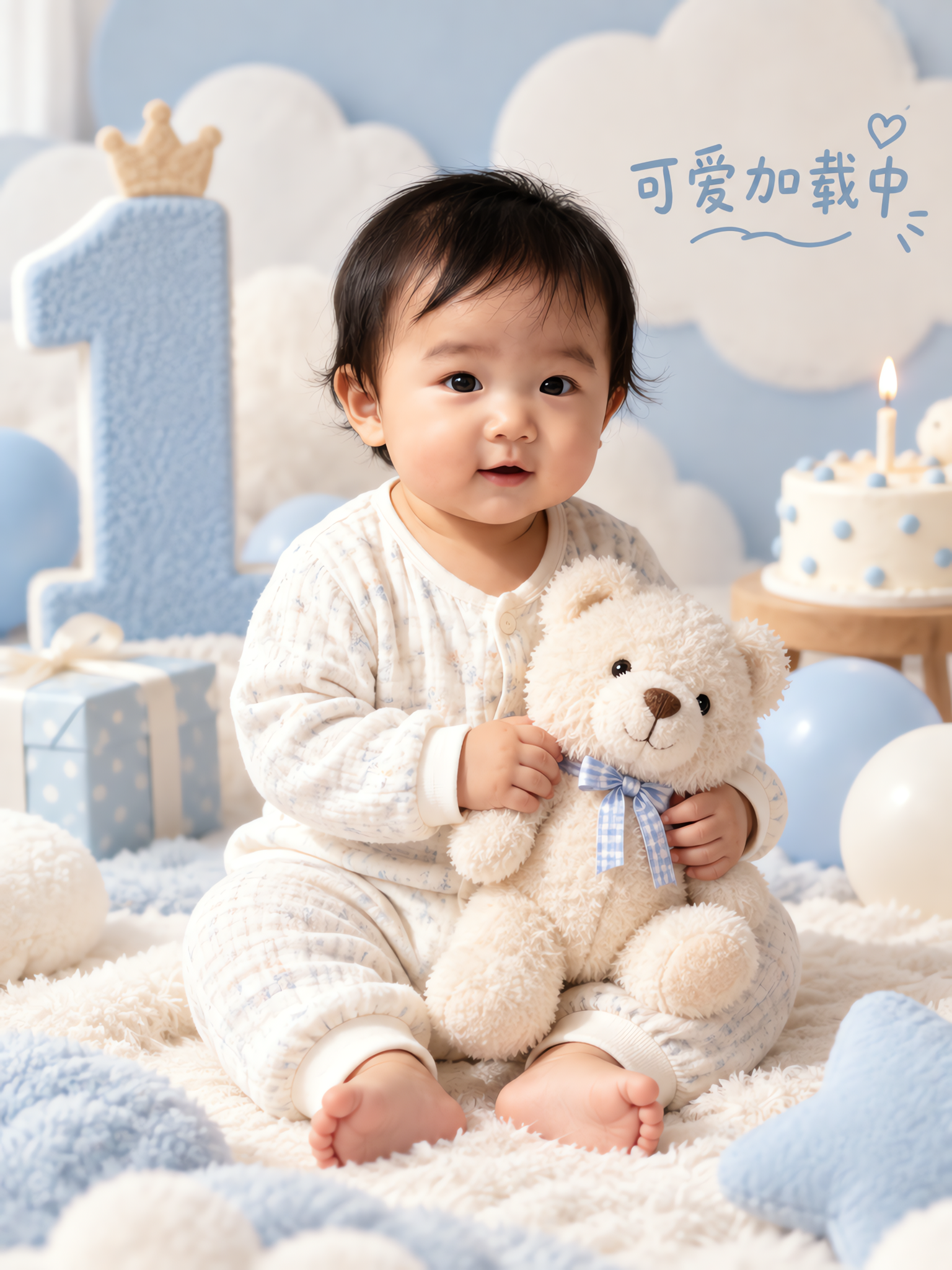
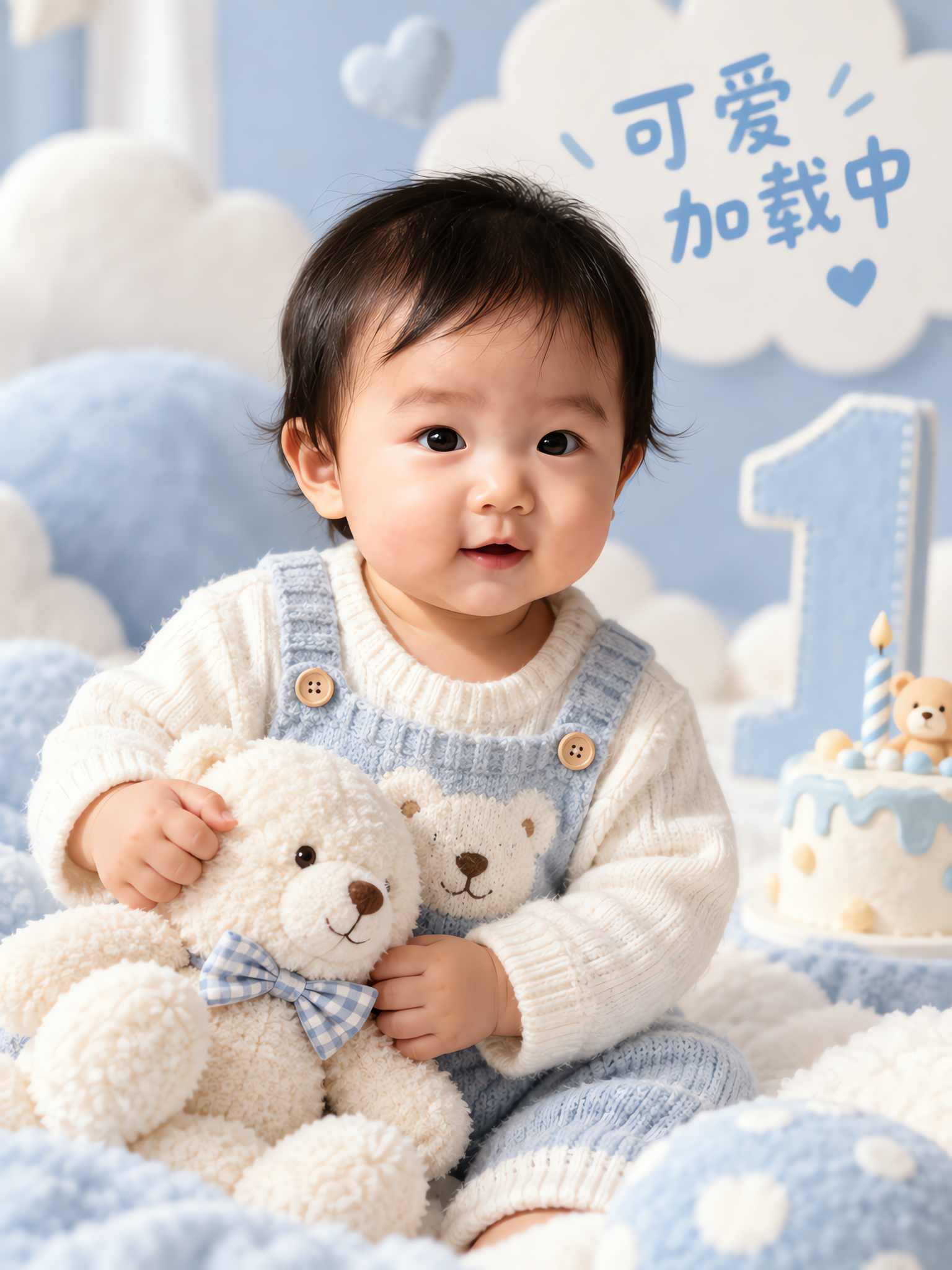
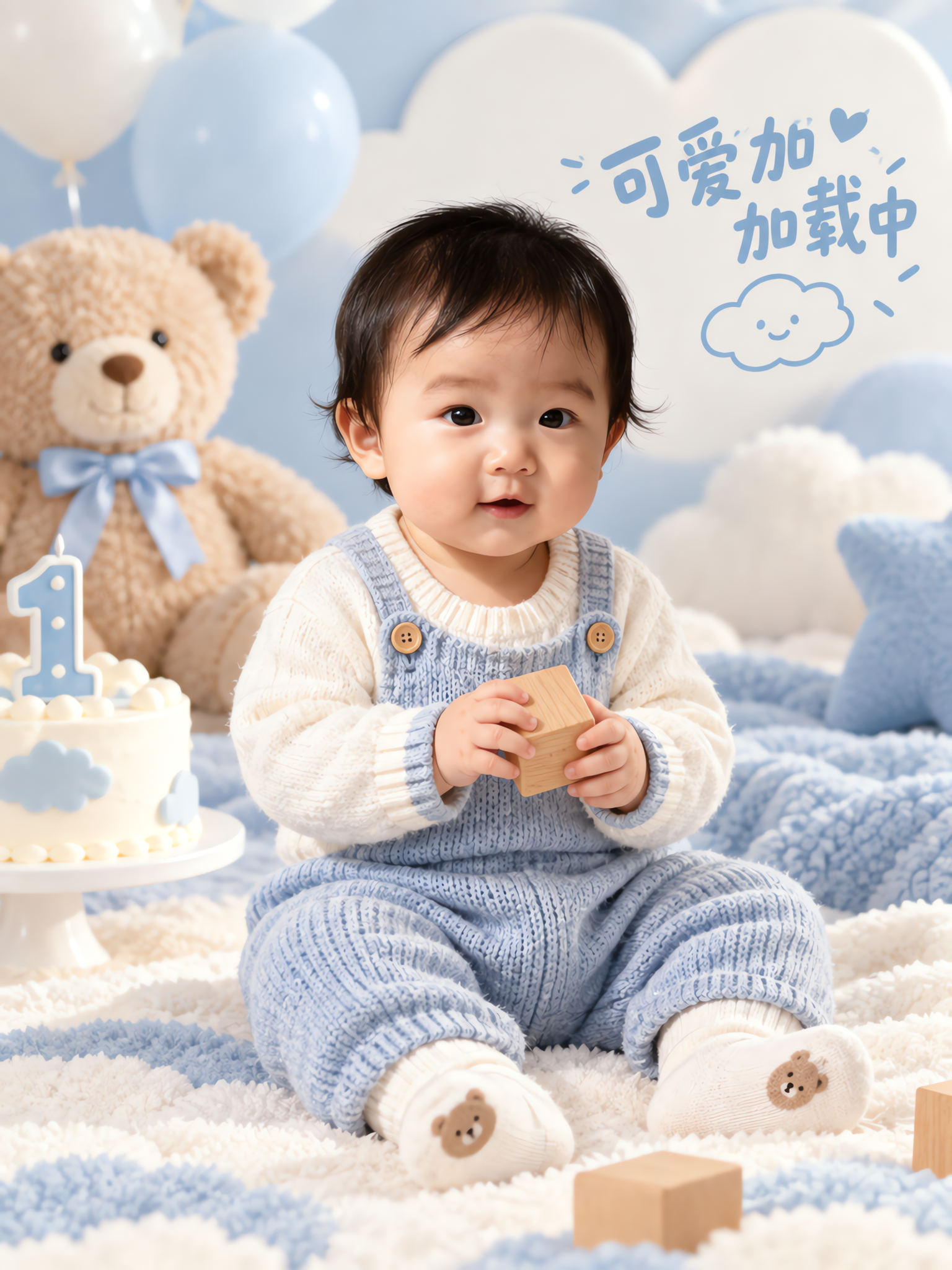
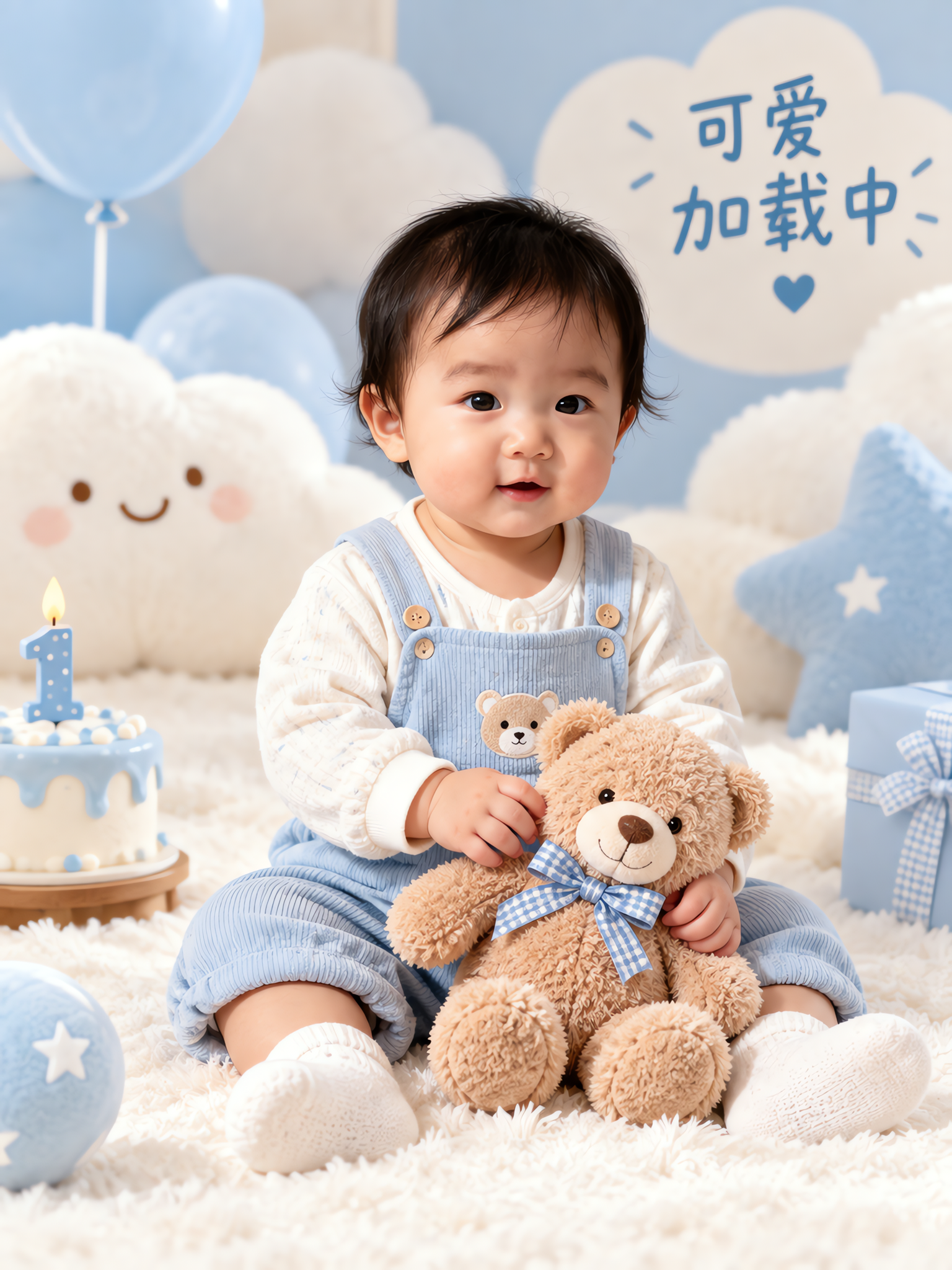

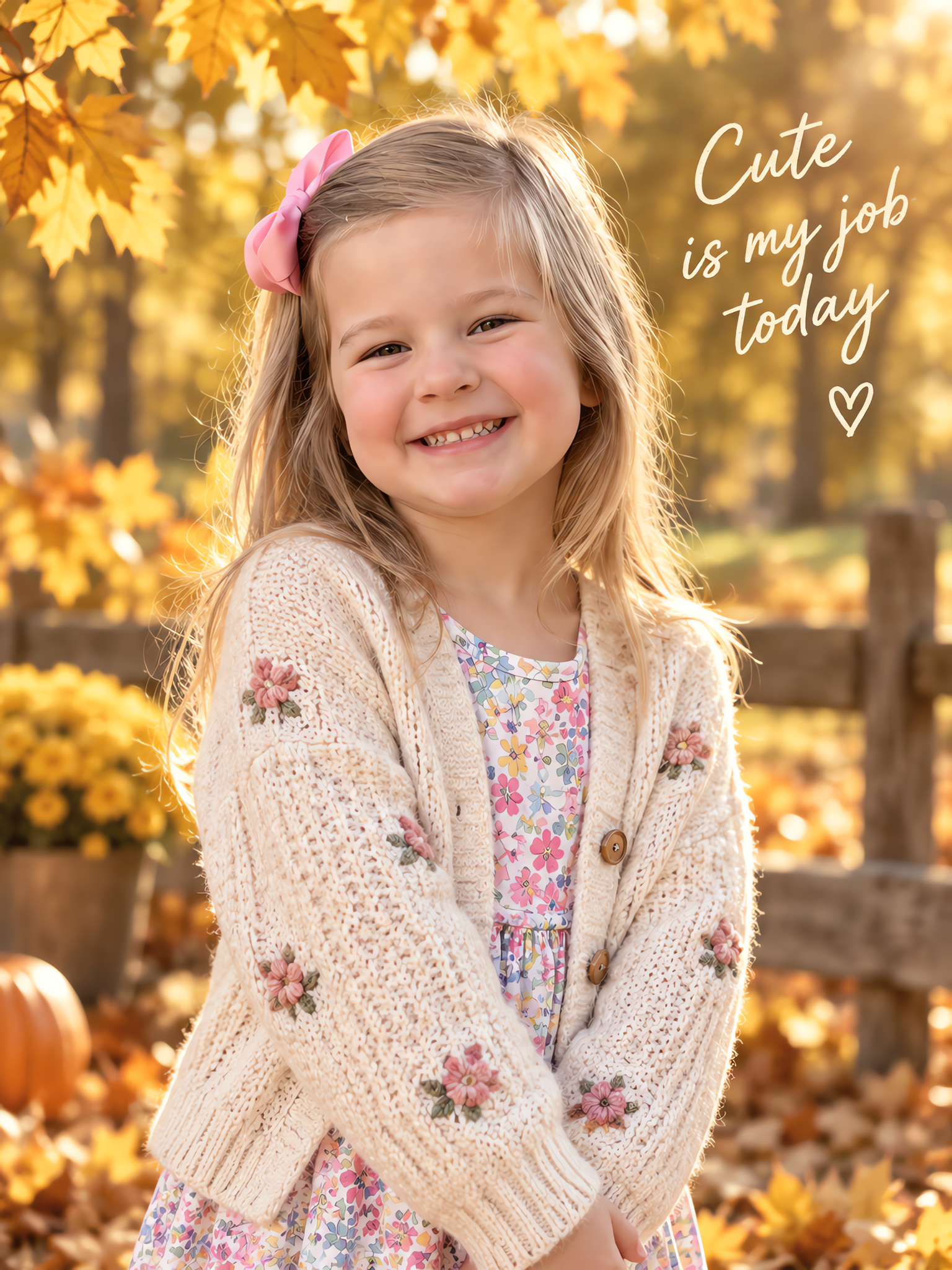
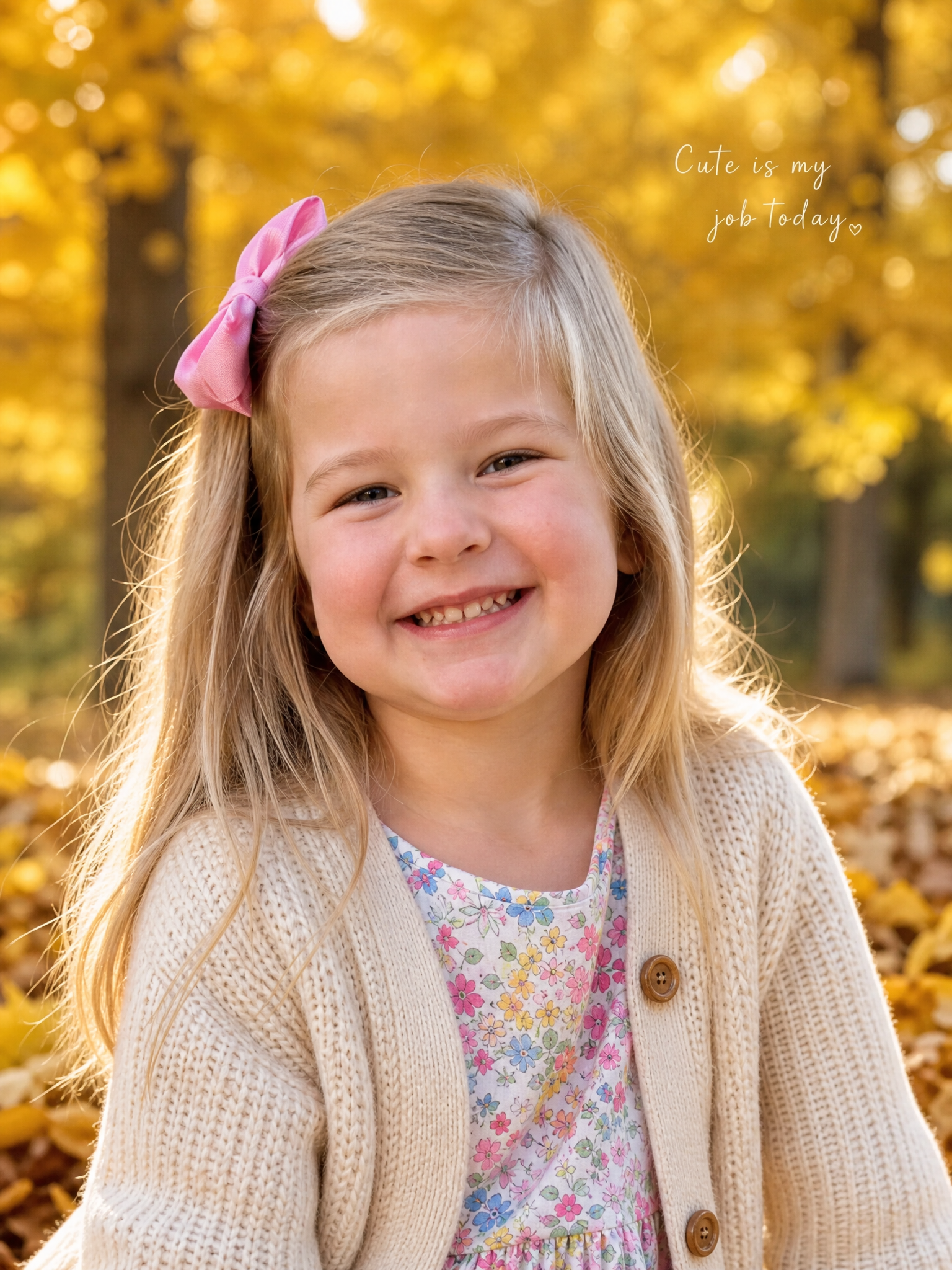
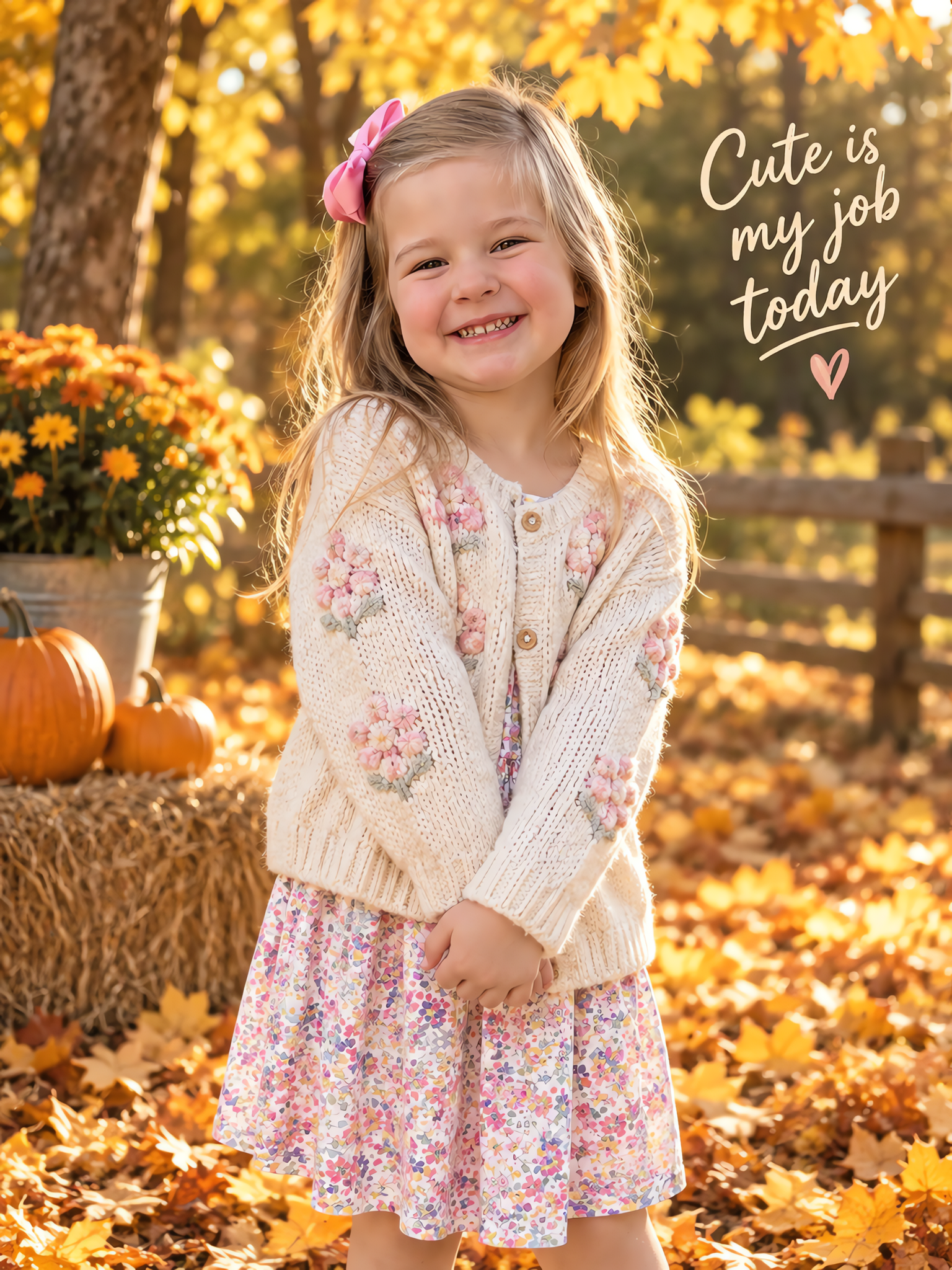
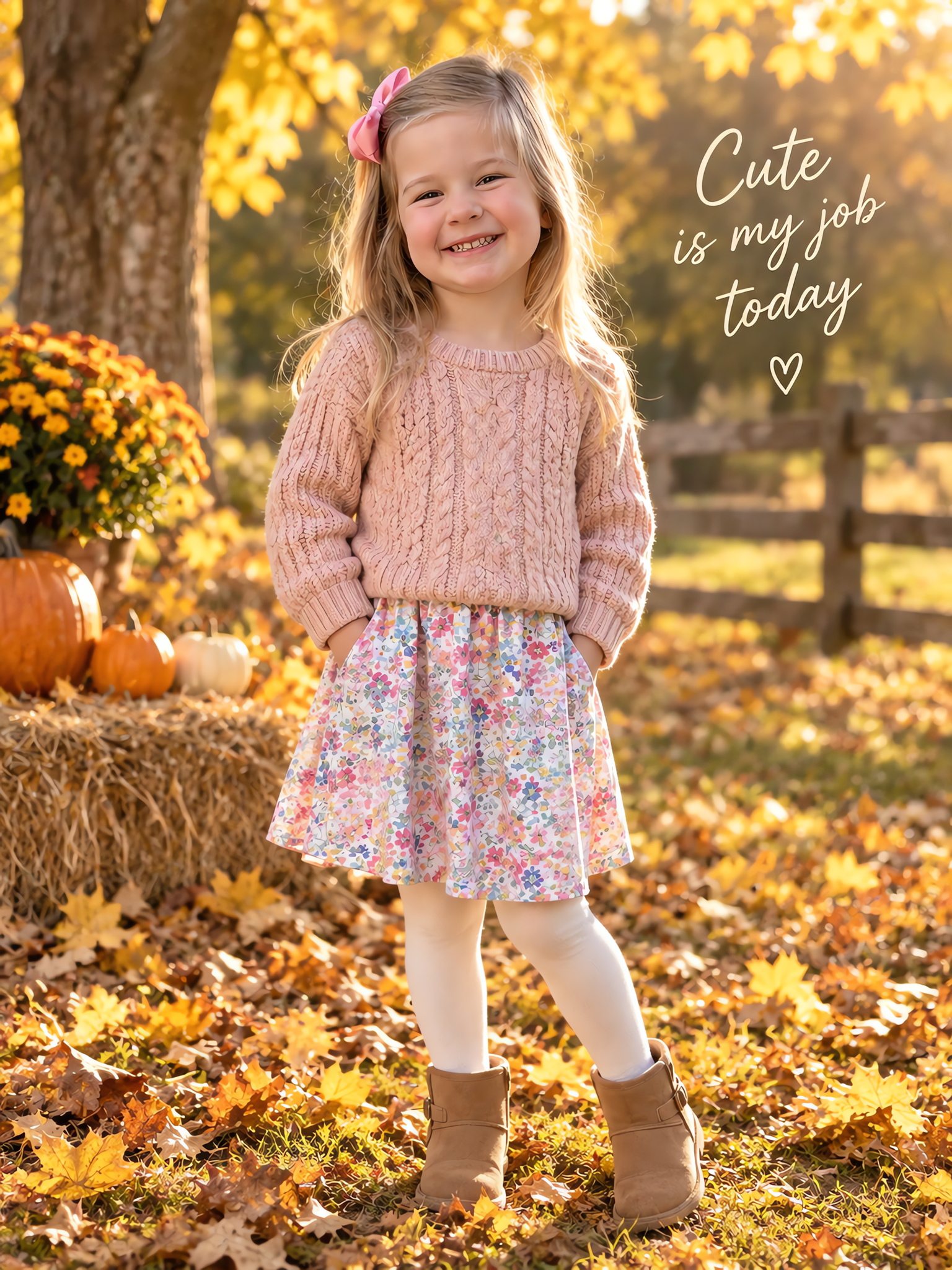

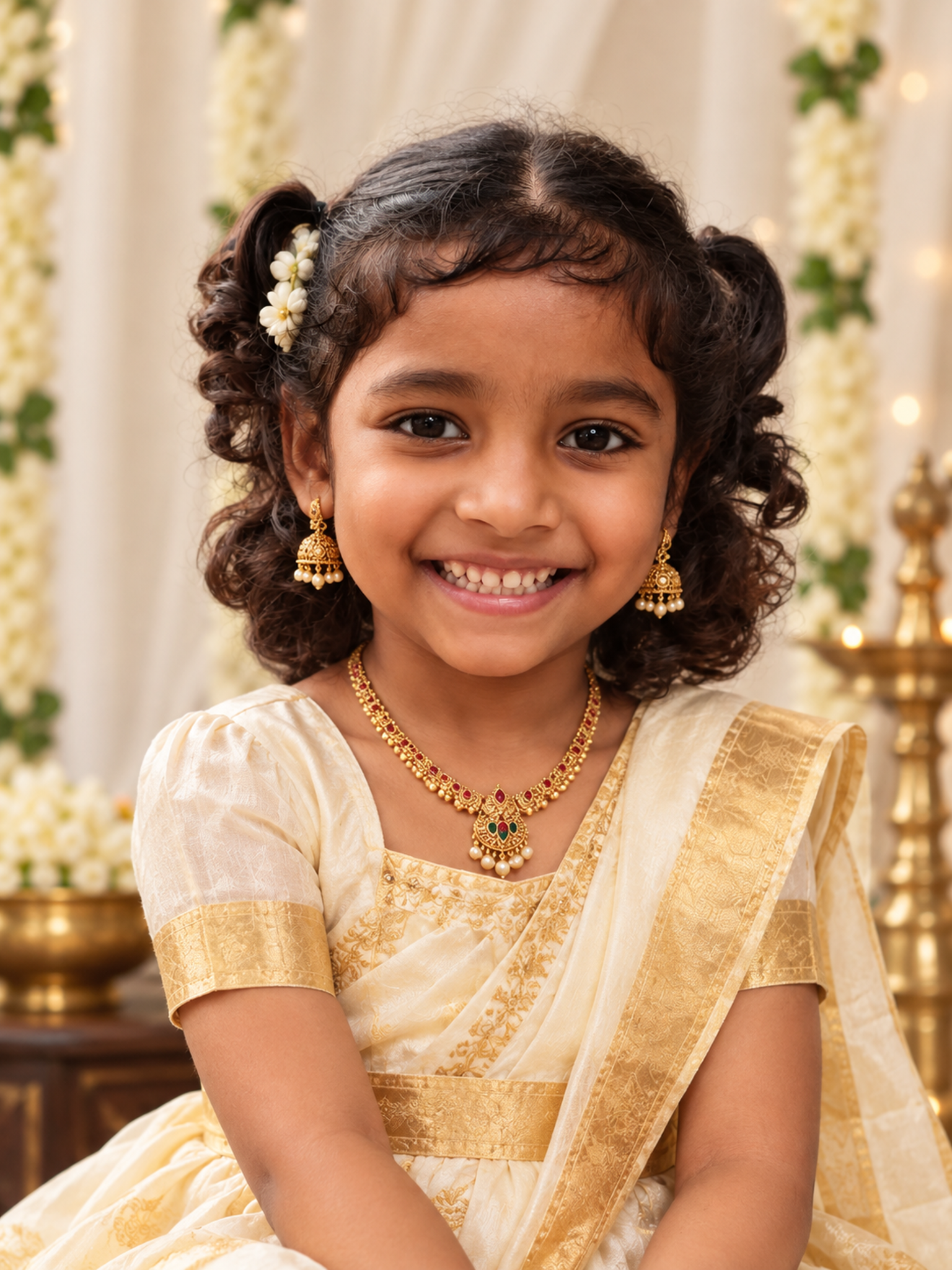
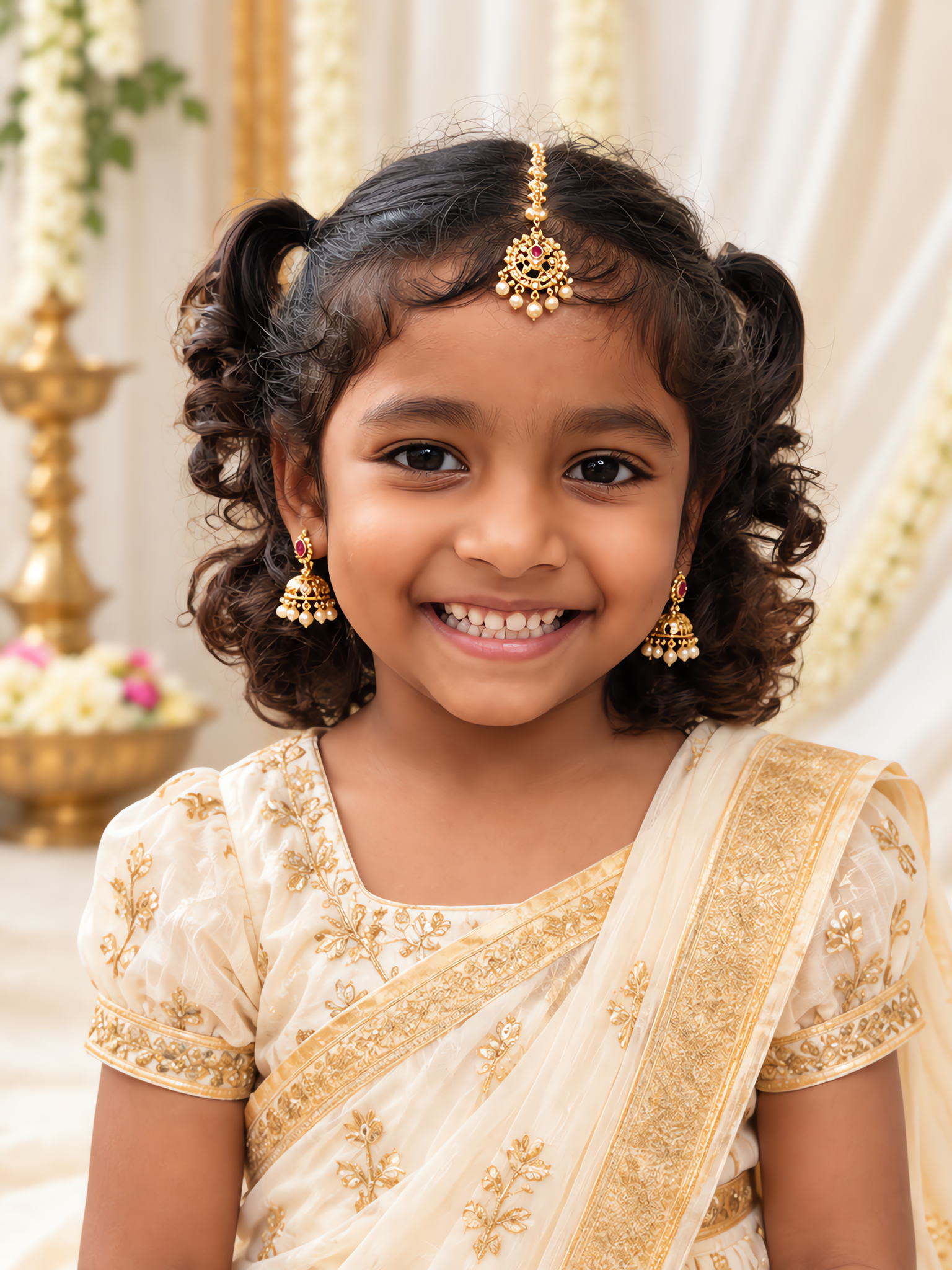
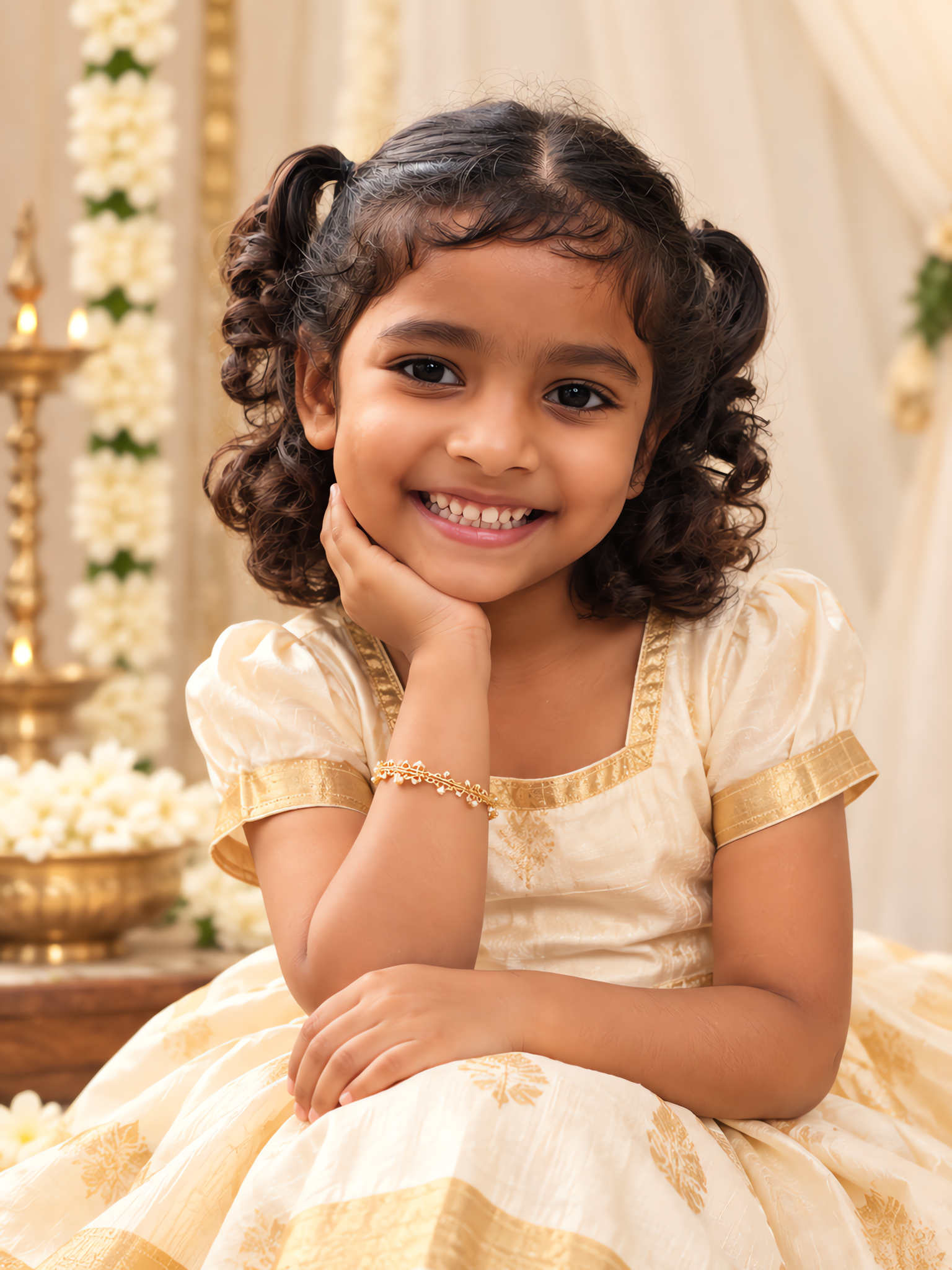
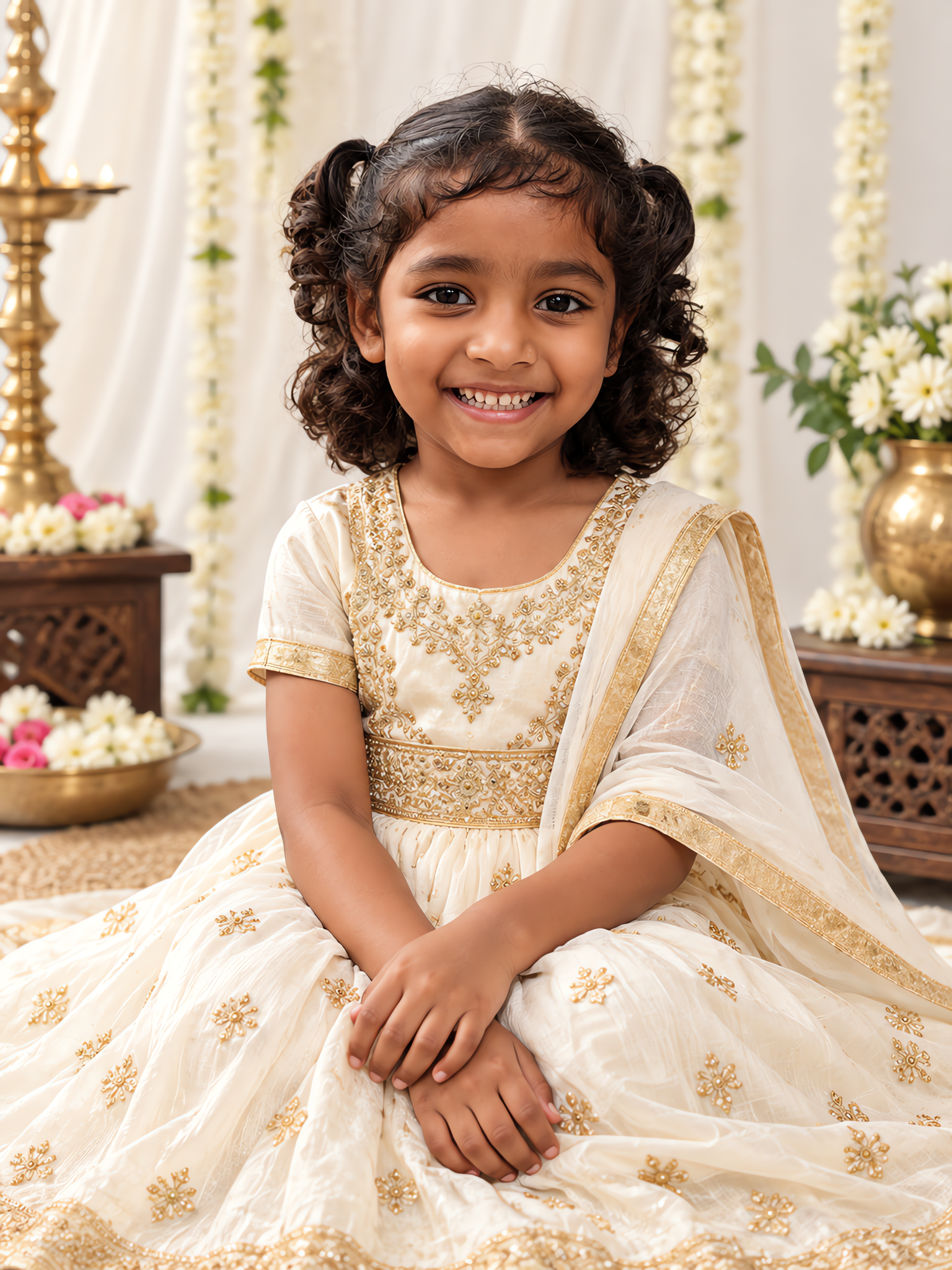

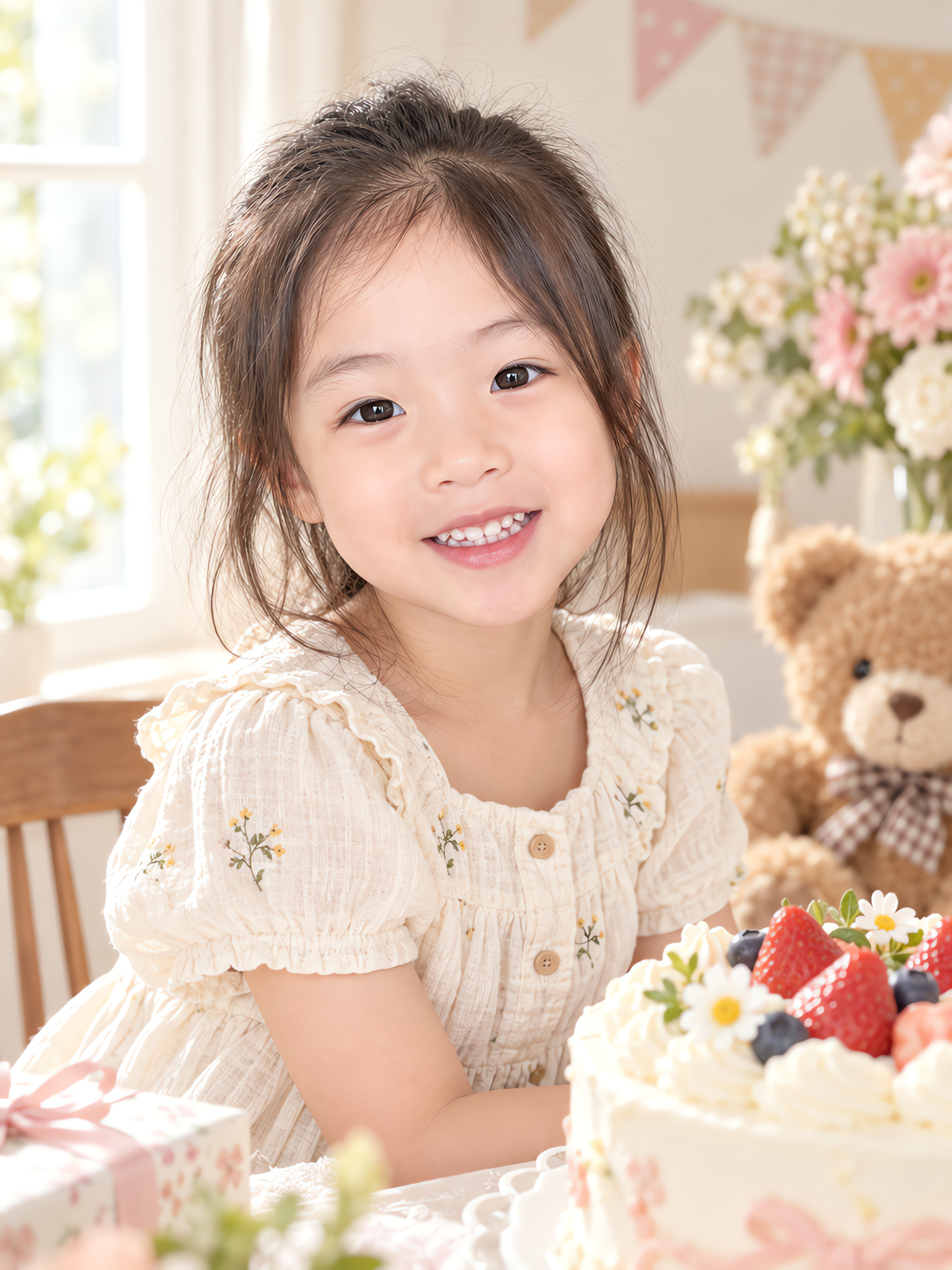
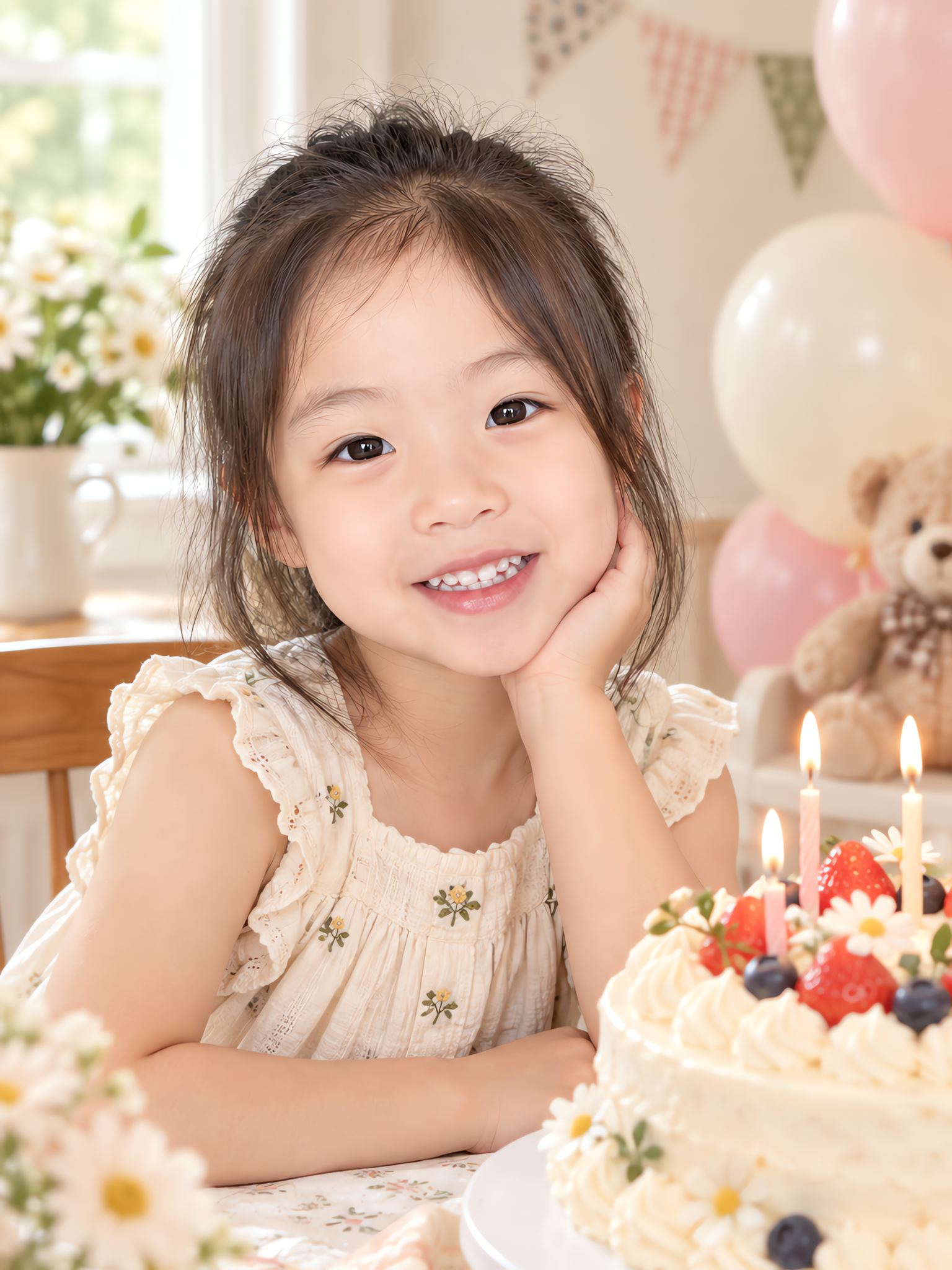
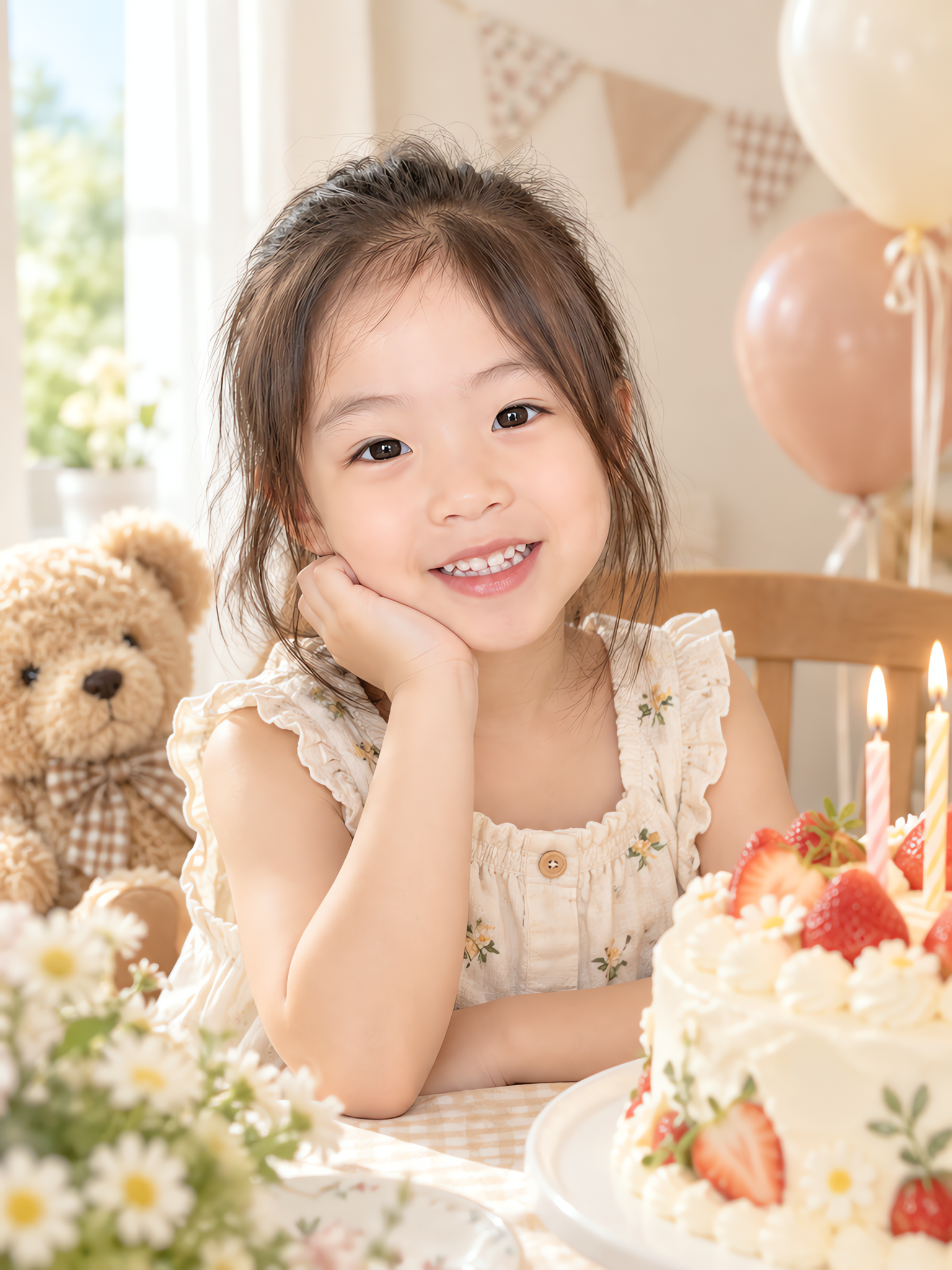
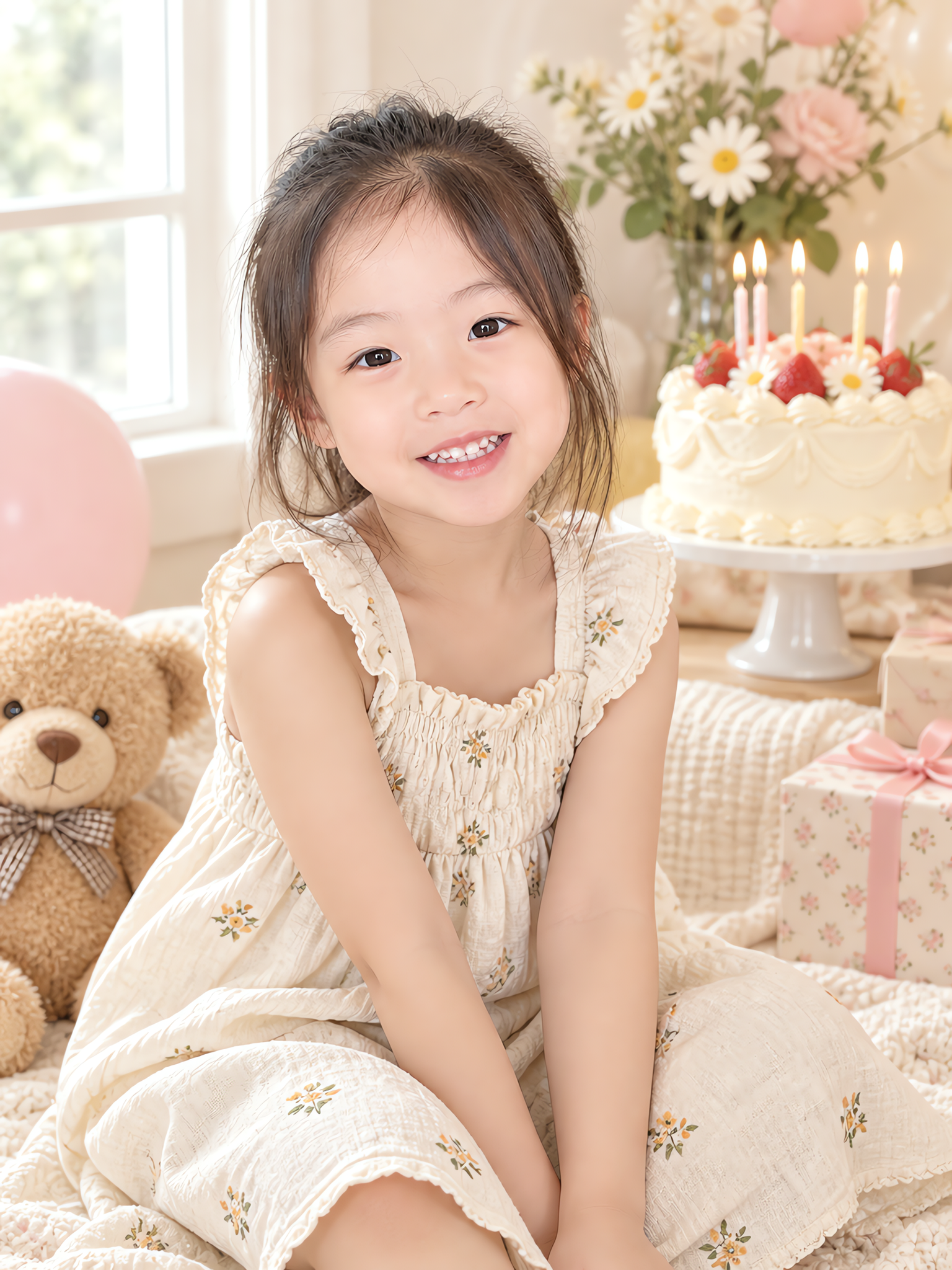
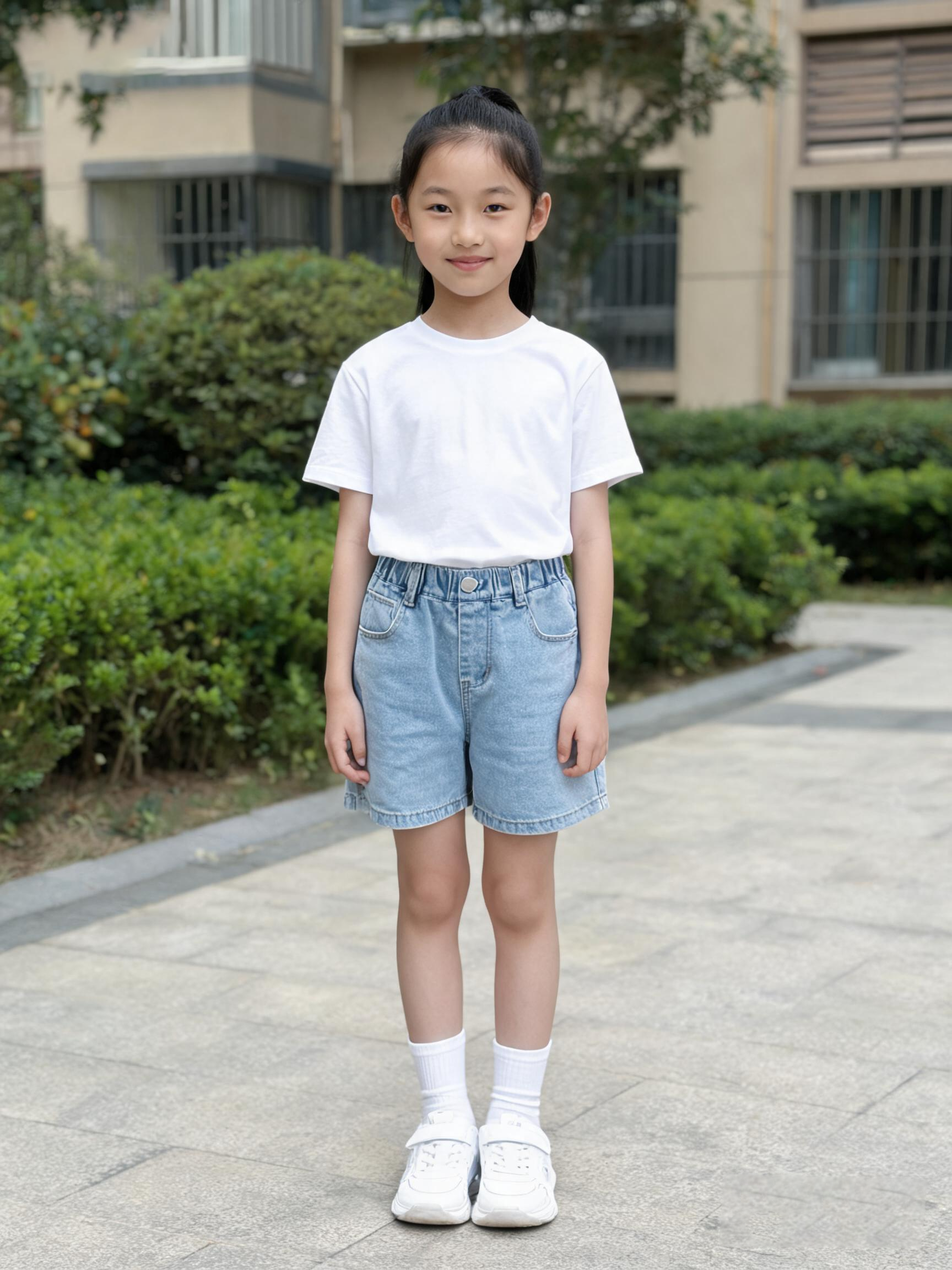
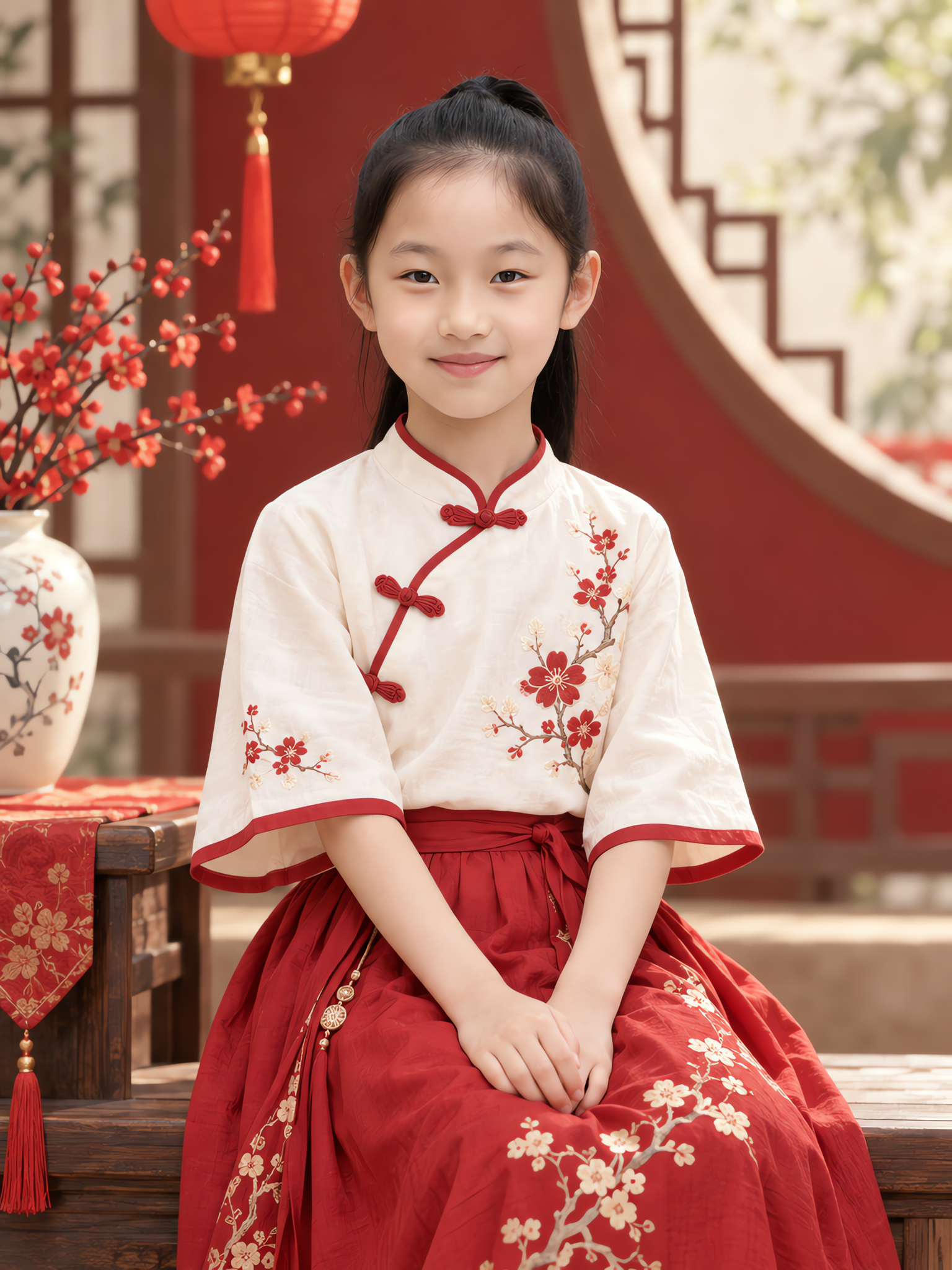
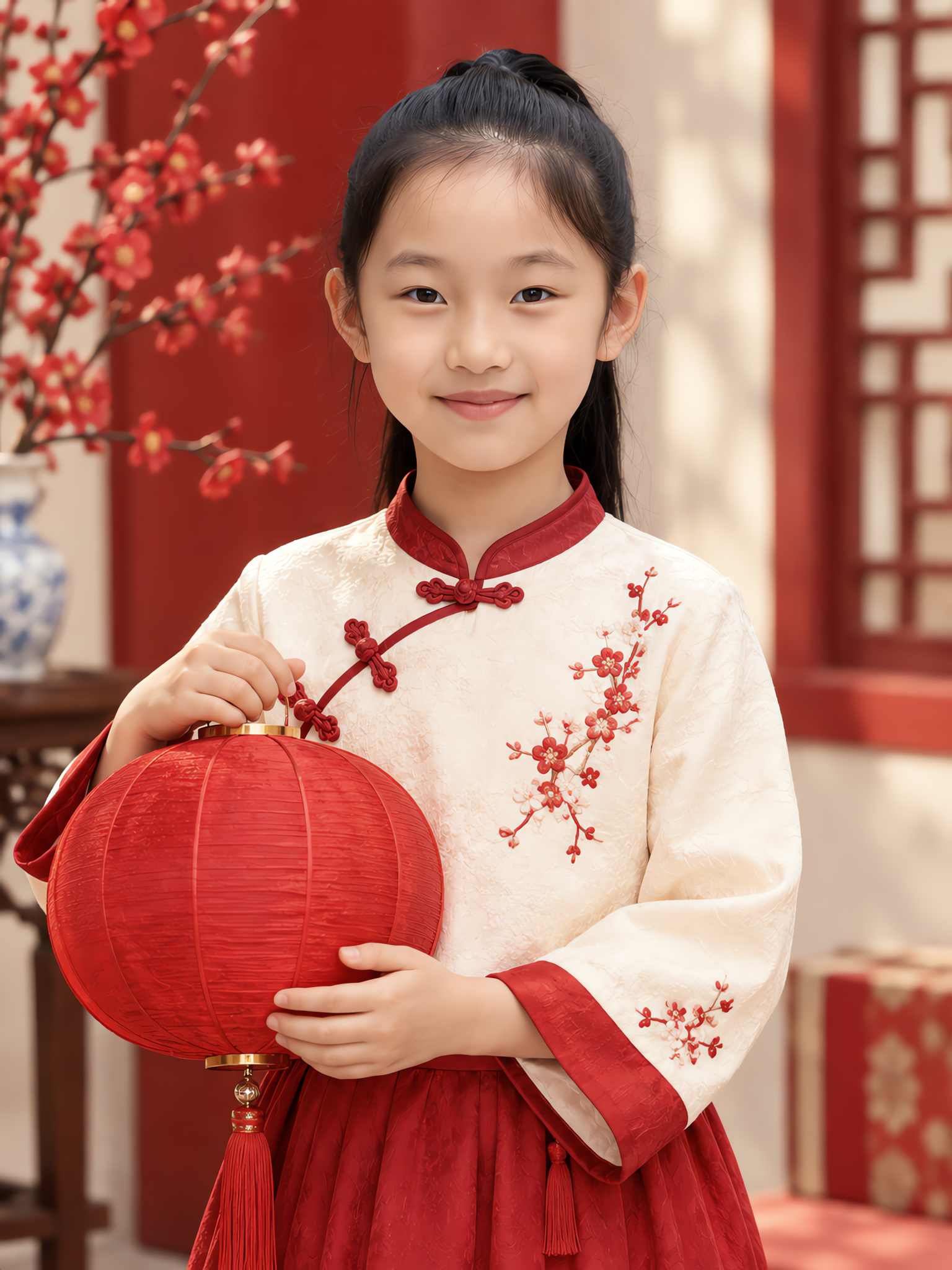

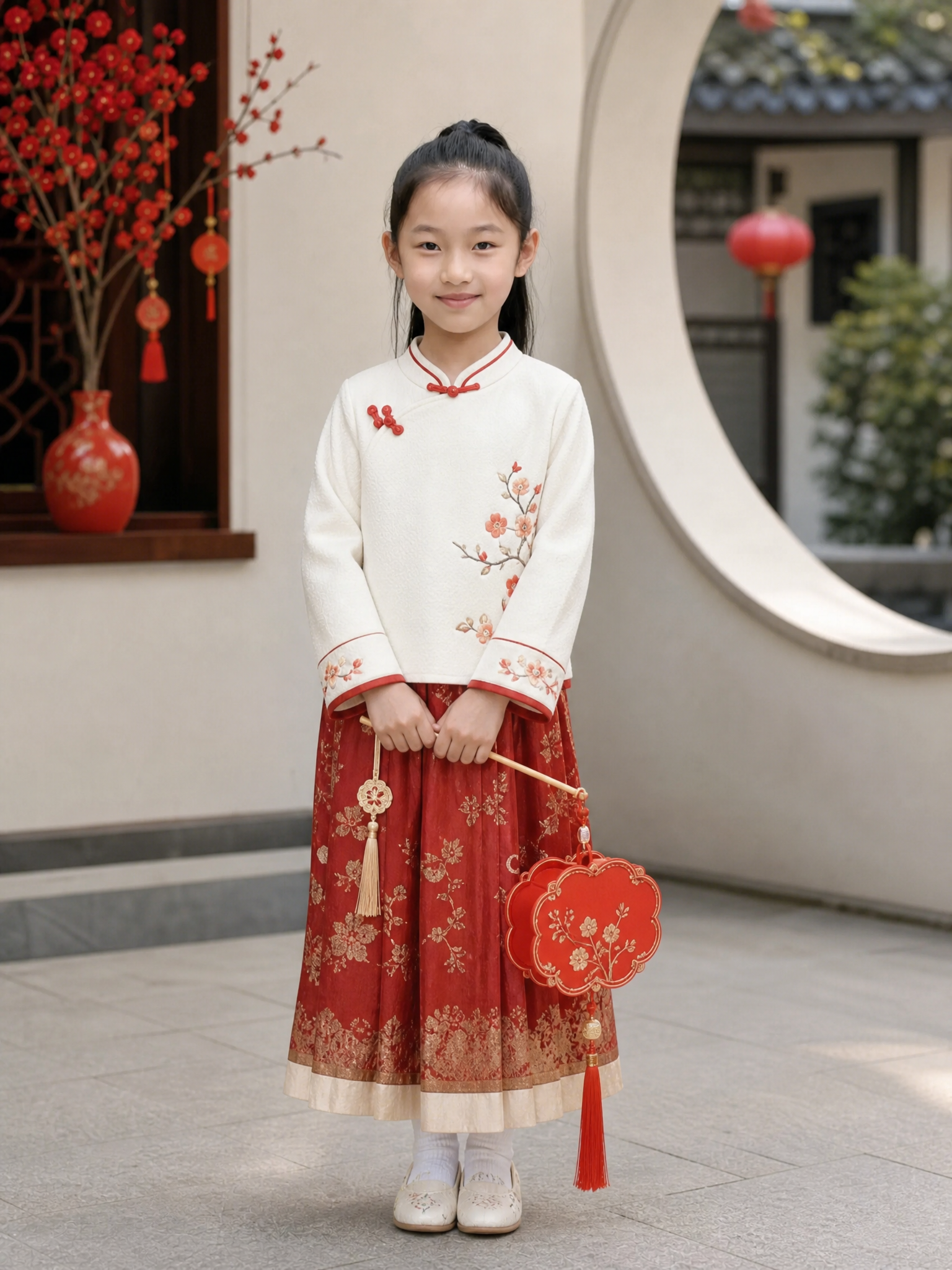

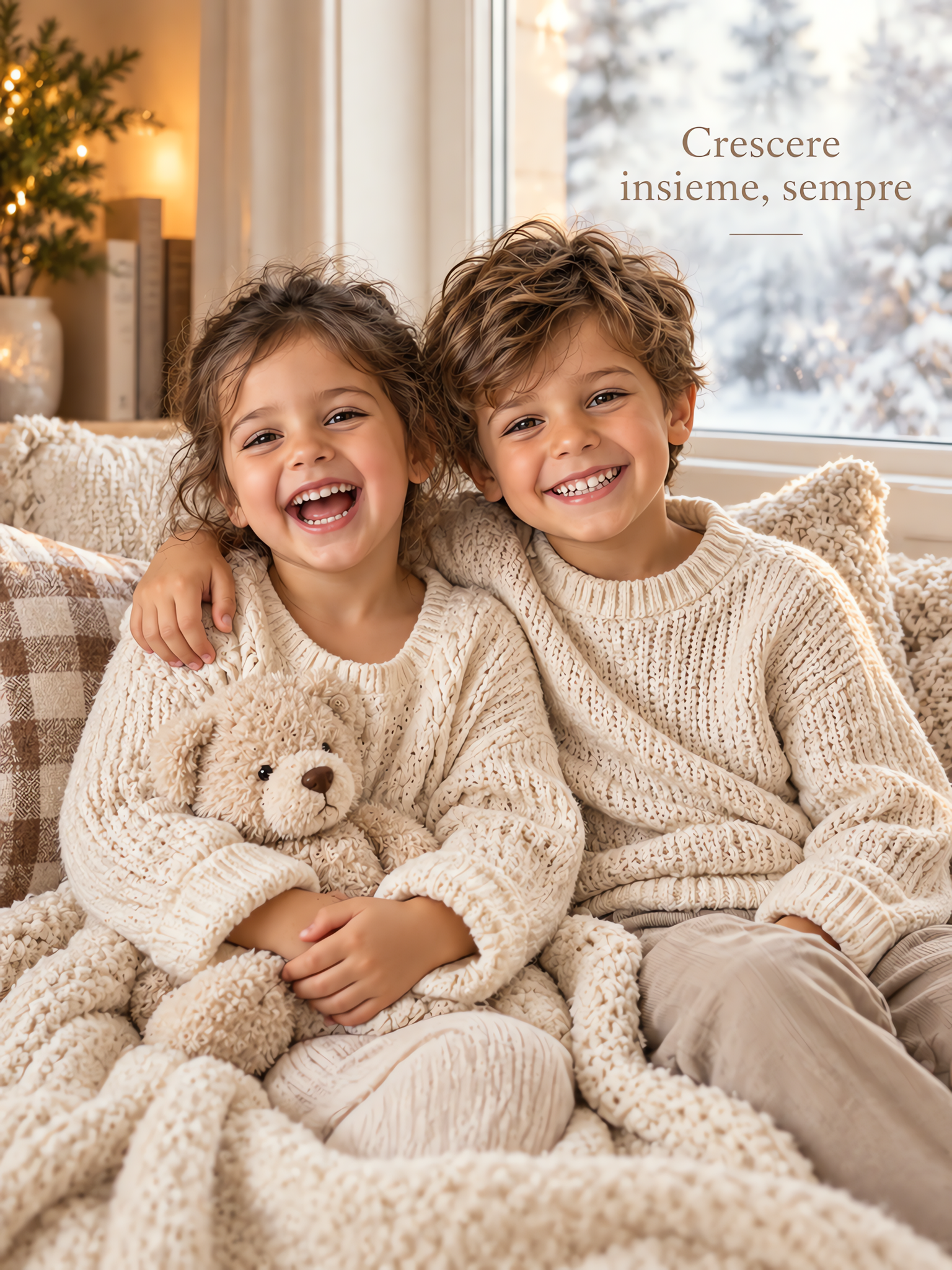


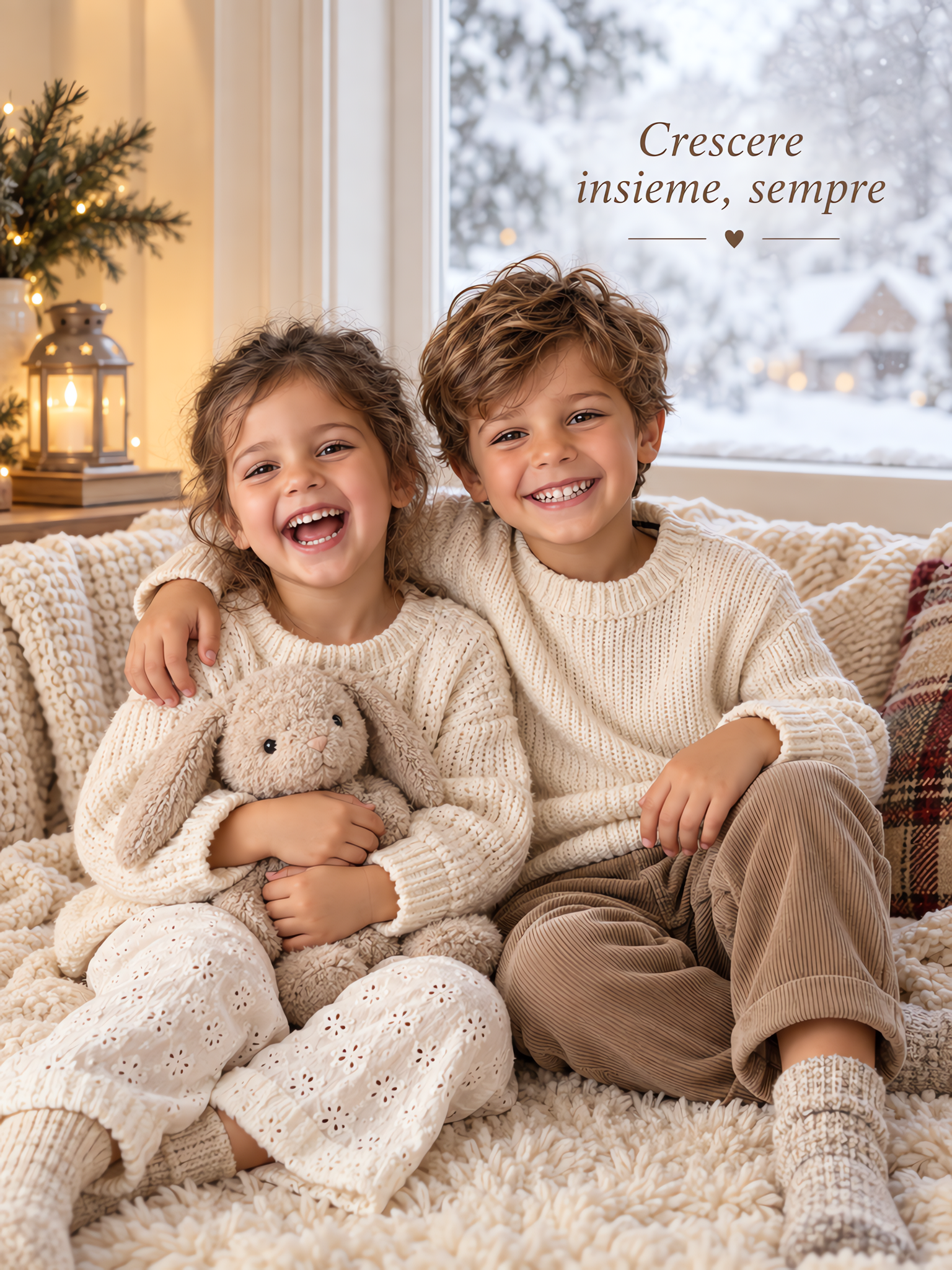

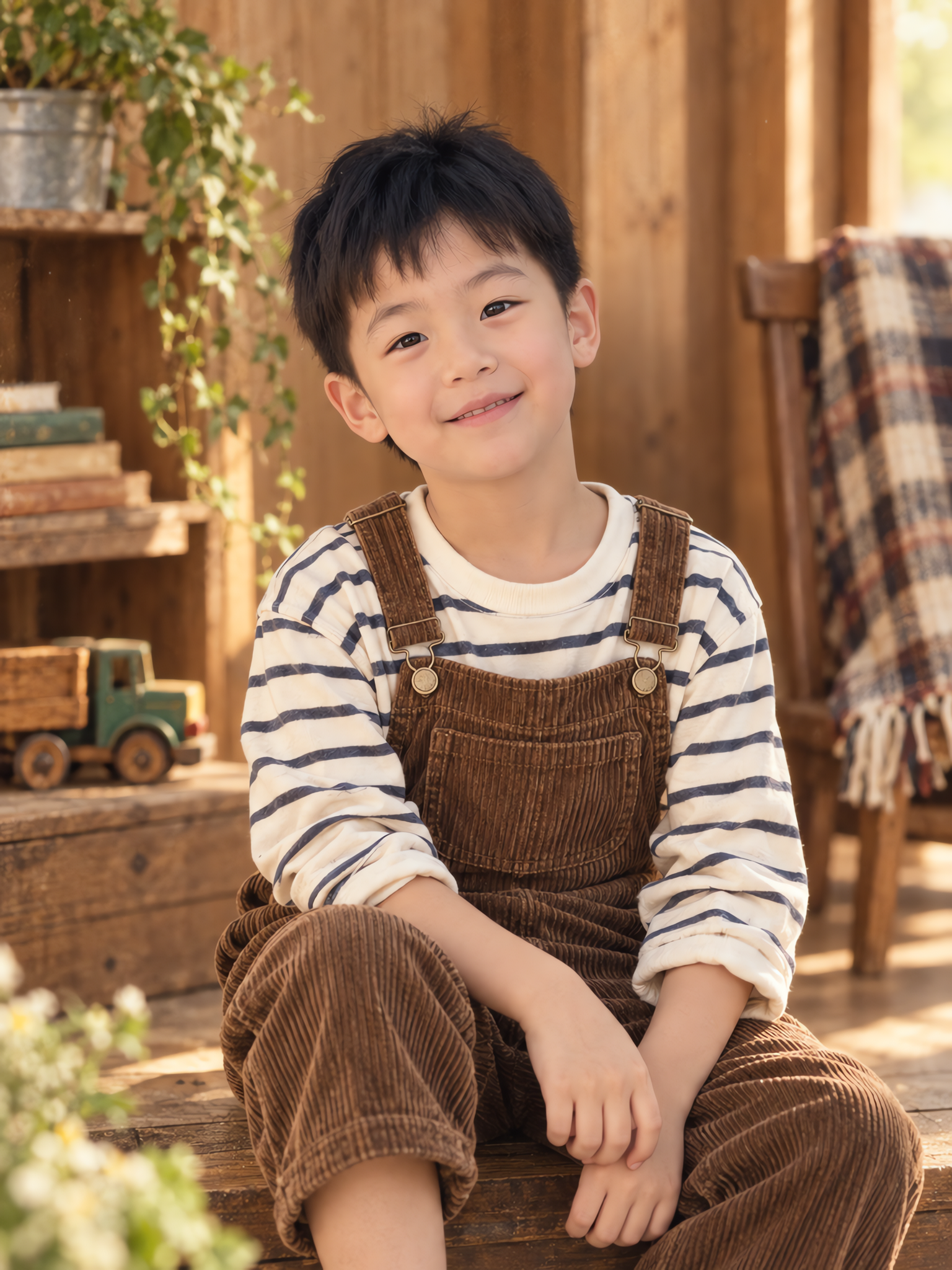
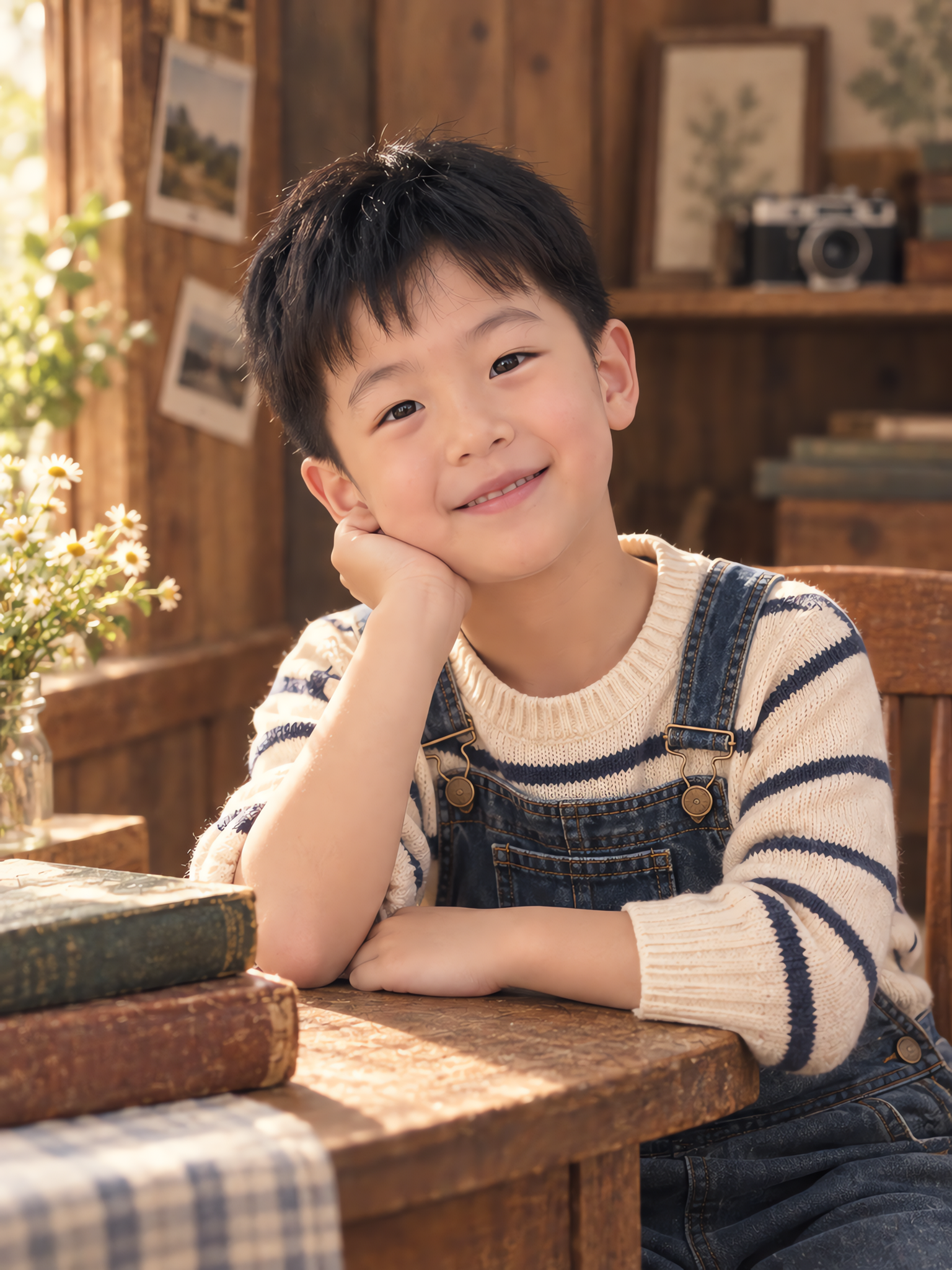

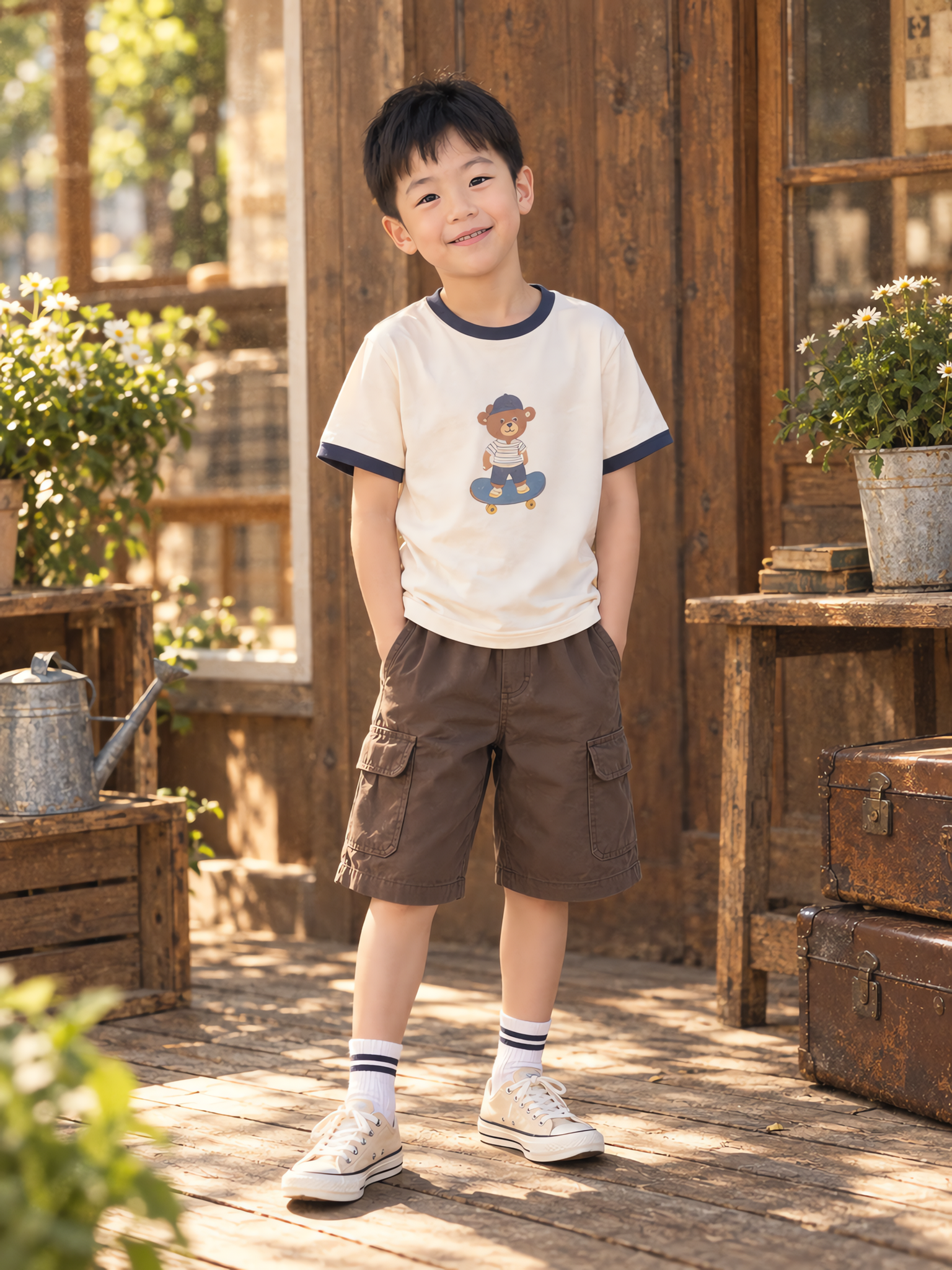

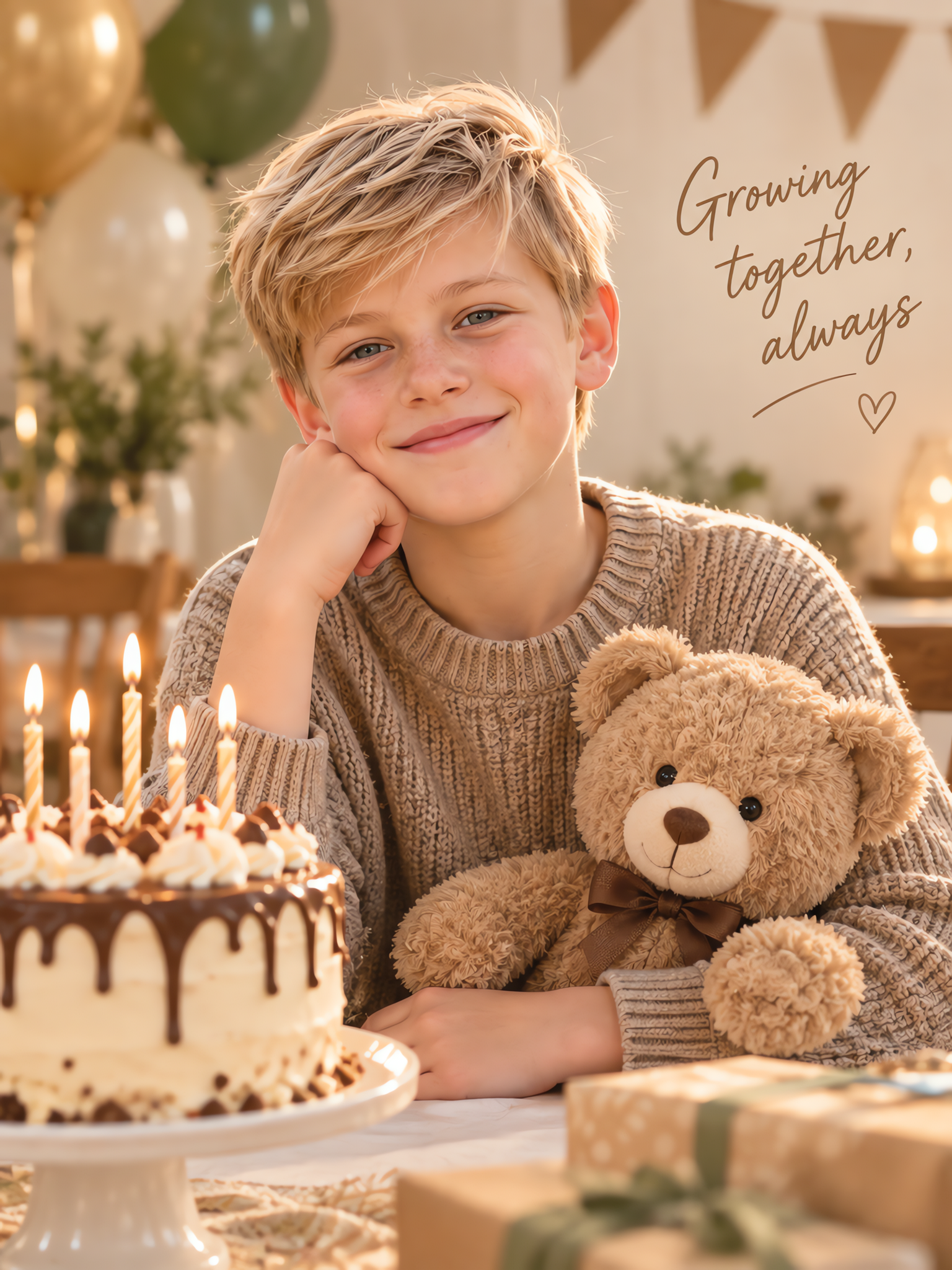
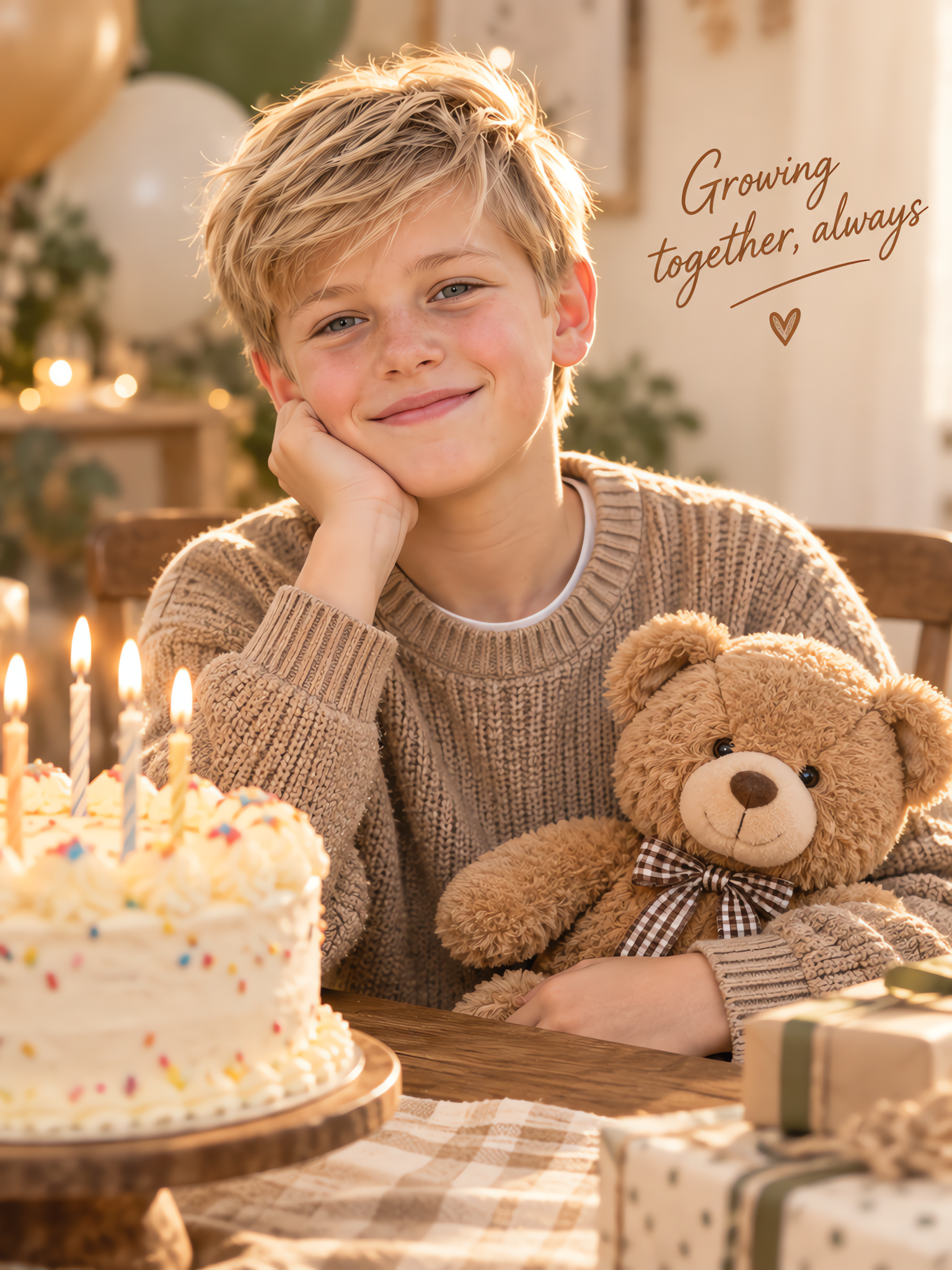
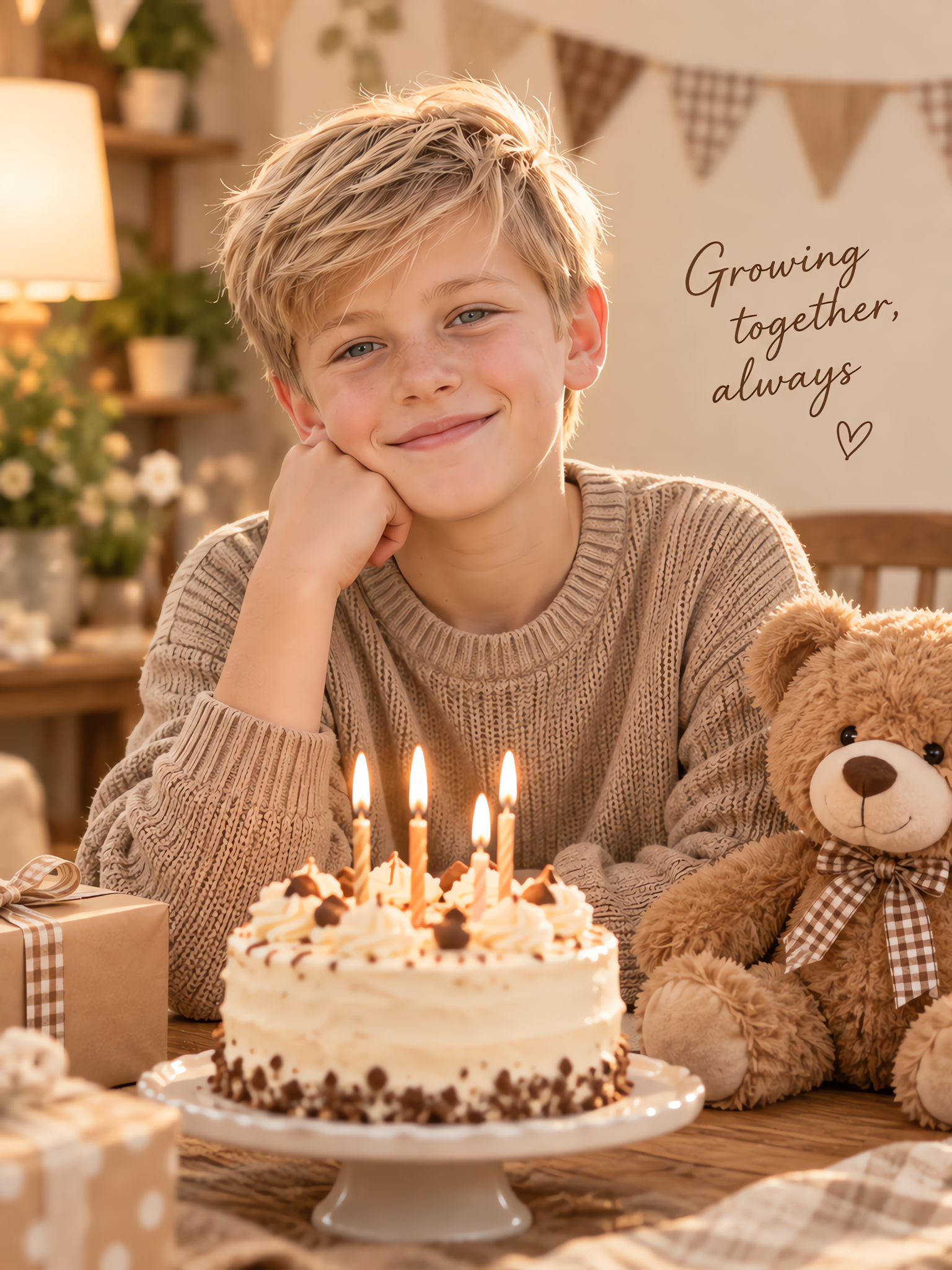
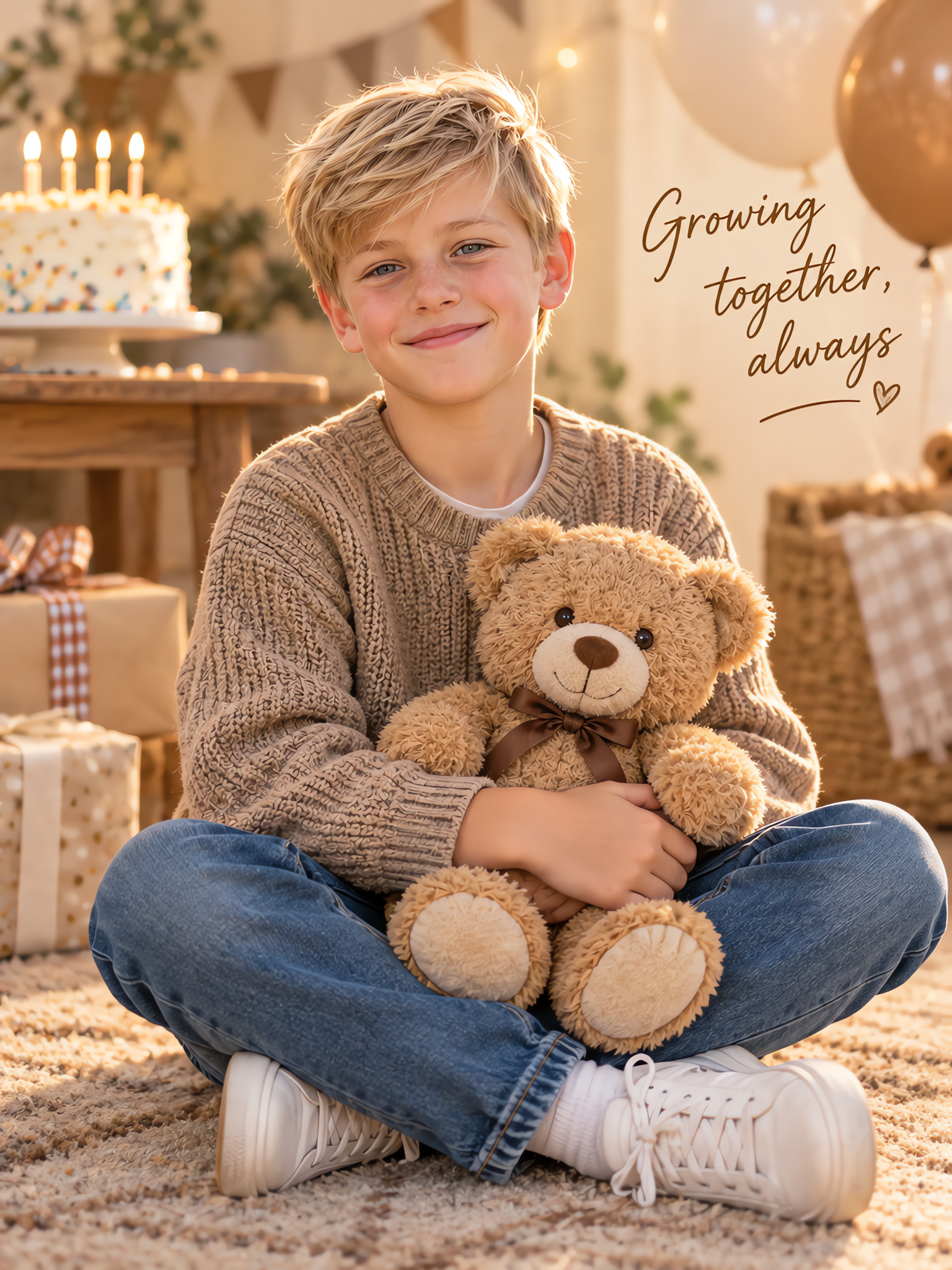

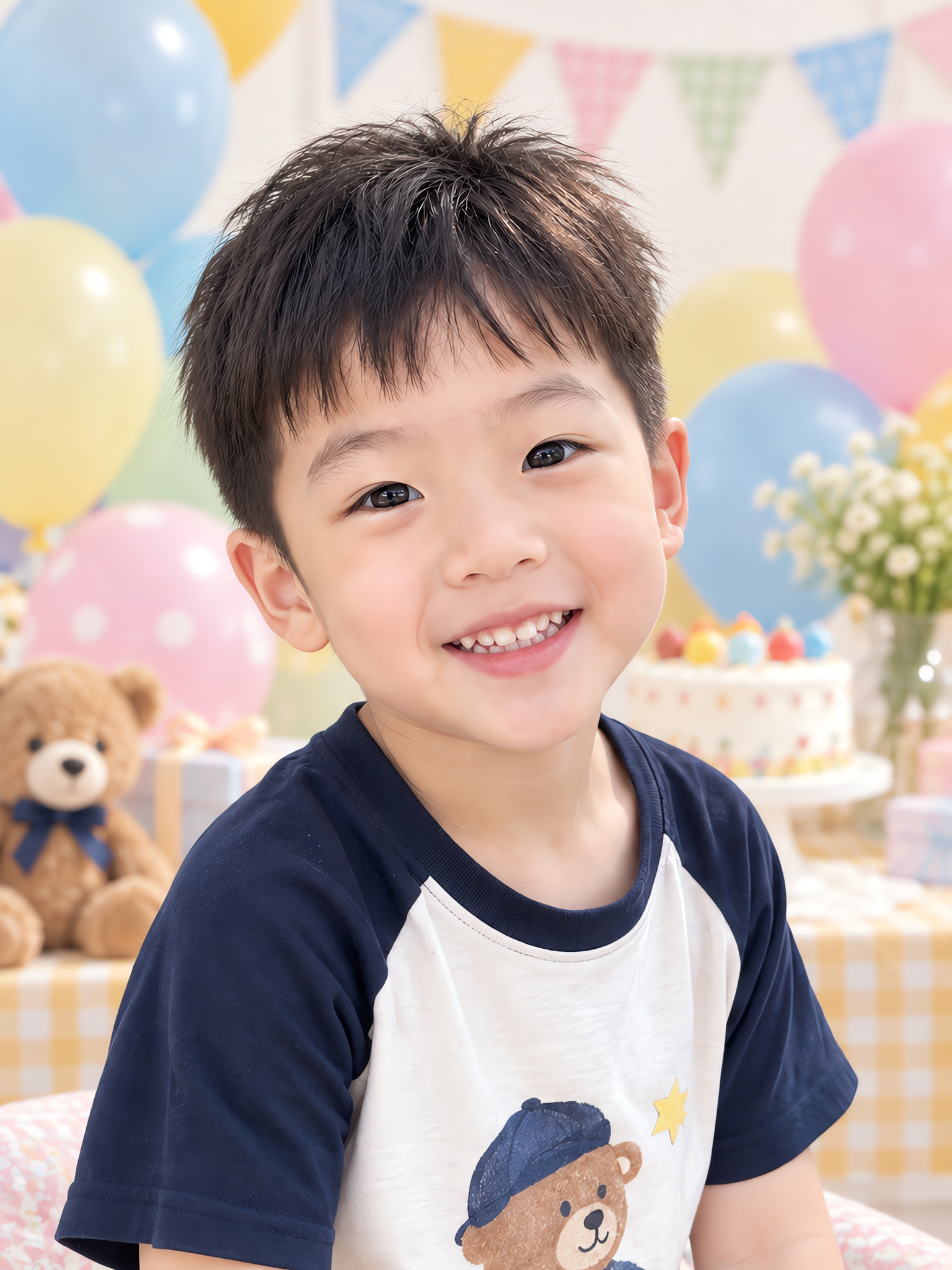
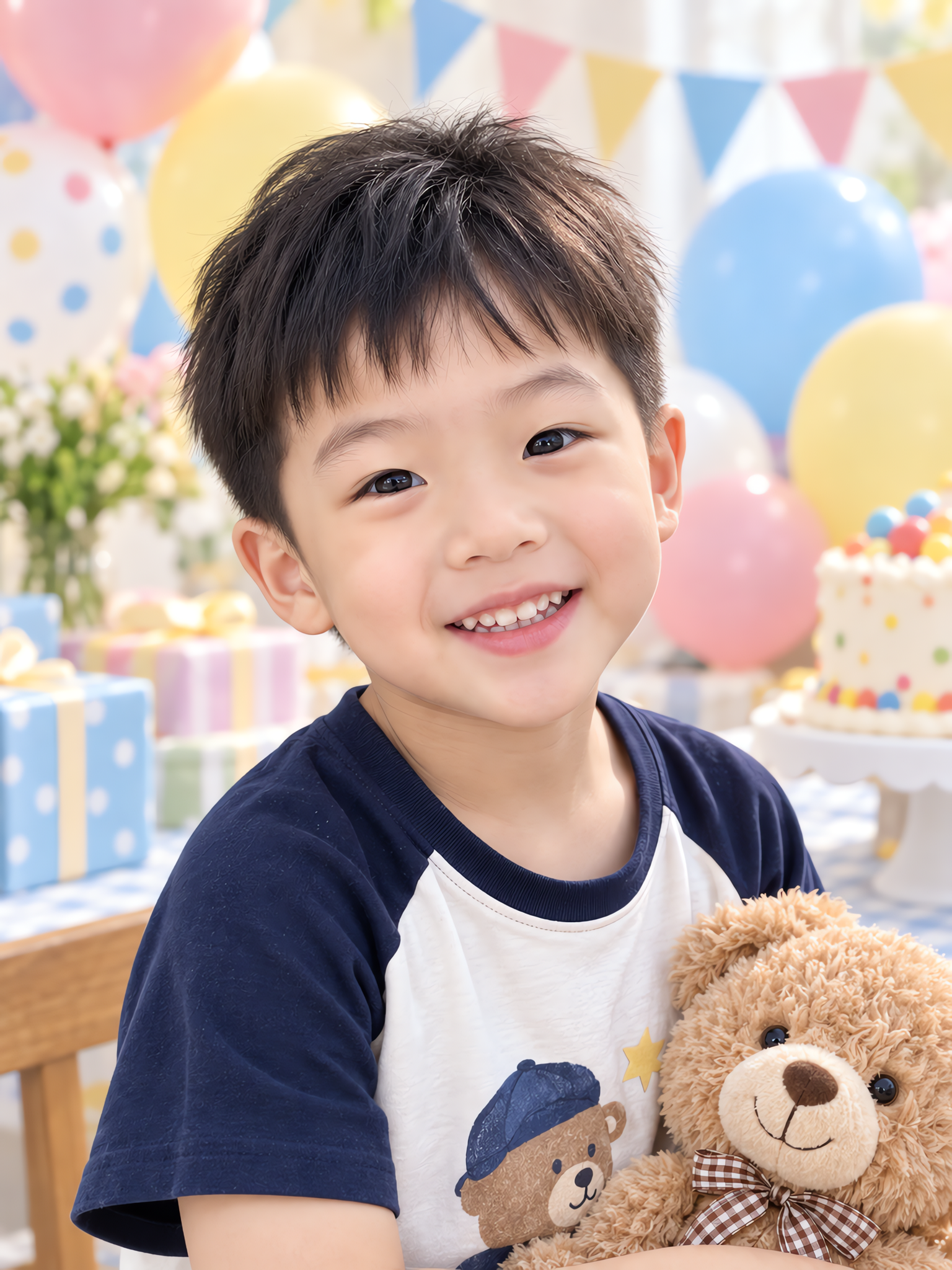
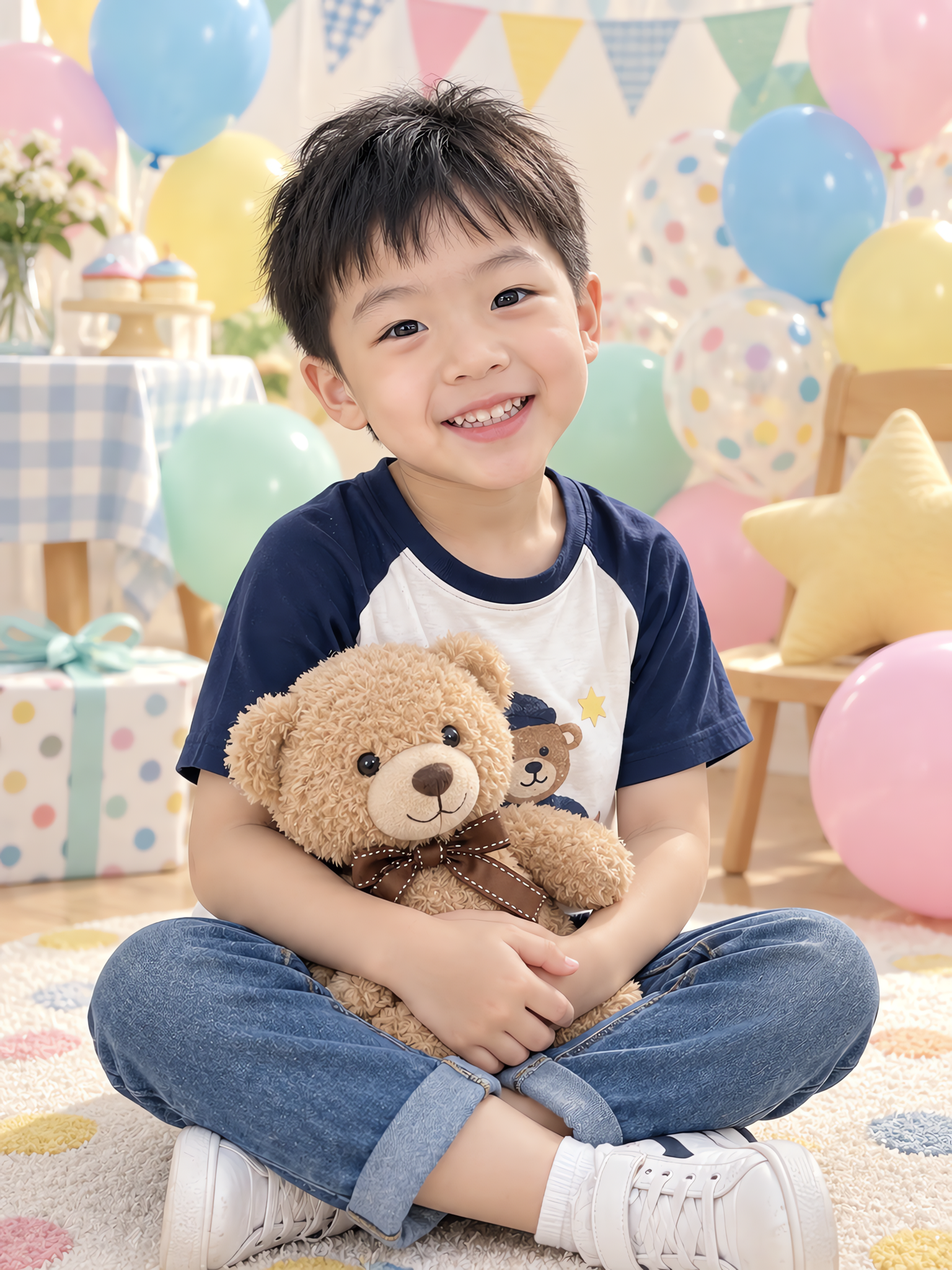
Start with clear recent photos and choose a milestone and style. Create newborn, six-month, first-birthday, growing-up or seasonal keepsakes, including family and sibling portraits. One-month and 100-day celebrations are also available. These are AI-created keepsakes for personal albums, family sharing and creative pictures. They do not document a real photo session.
Use 1–4 clear people photos with guardian permission. A group photo is best for families; identify each person if uploading separate references. Reference age, skin tone and individual features should be preserved. Likeness comes first. For different angles or expressions, upload matching photos of the same person. With one reference, the face stays close to the source with only subtle natural variation. Optionally add one permitted style reference for scenery, lighting, clothing or composition. It guides visual treatment; your own people photos define identity.
Text is off by default. Choose from 14 caption languages, including English, Chinese, Japanese, Korean, German, French, Spanish, Portuguese, Italian, Vietnamese, Indonesian, Thai and Russian, then tap a playful, milestone or family phrase. You can also enter your own wording in another language. Names, birthdays and ages are optional. Start with one image and optionally add a close-up, candid moment or scene portrait, up to four. Each is generated independently, so clothing and details may vary. Check the credit quote before submitting.
Choose a theme appropriate to the reference age. The tool is not intended to turn older children into infants or predict future faces. Infant poses should be natural and supported. Review each person’s likeness, hands, posture and lettering. AI can introduce detail errors. Check actual pixel dimensions before printing.
Choose Child & family. A group reference is best, but separate clear photos with person descriptions are also supported. Only referenced people should appear; check for missing people or mixed features.
It can create imaginative keepsakes, explore styles and supplement family albums. A real session records actual interactions and details; AI pictures are not a factual record of those moments.