18
Basic Settings
Upload an image by dragging it to the plus sign or clicking upload *
Advanced Settings (defaults are usually fine)

AI Scratch, Crease & Watermark Remover

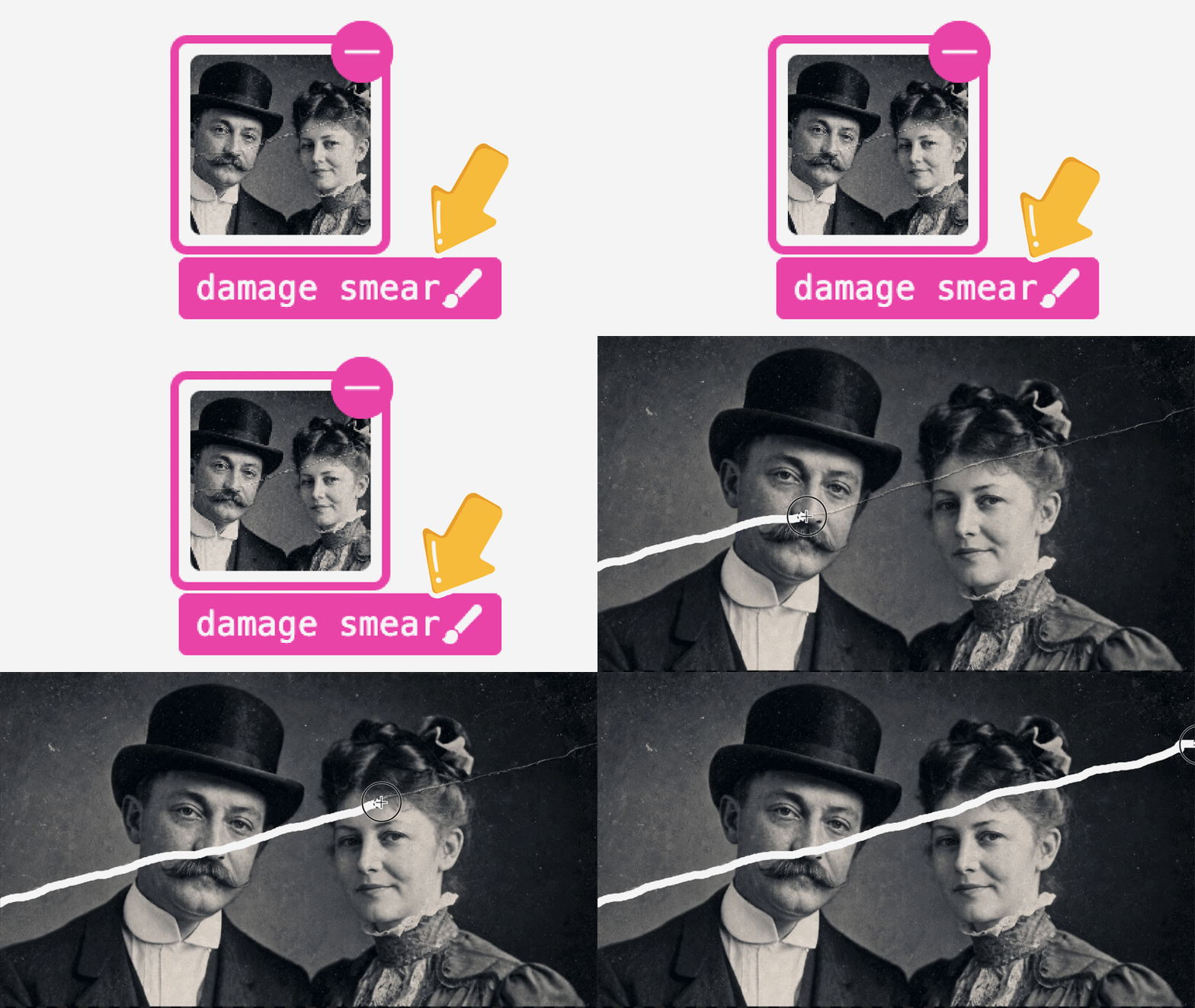
Remove scratches, creases, stains, dust, logos, and text watermarks from photos with ImgAk AI. Smart inpainting restores background texture naturally, with optional mask control.

Examples

Browse real AI Scratch, Crease & Watermark Remover examples. Their titles, natural-language Q&A, and images explain achievable subjects, styles, and use cases; choose “Create similar” to reuse the settings.

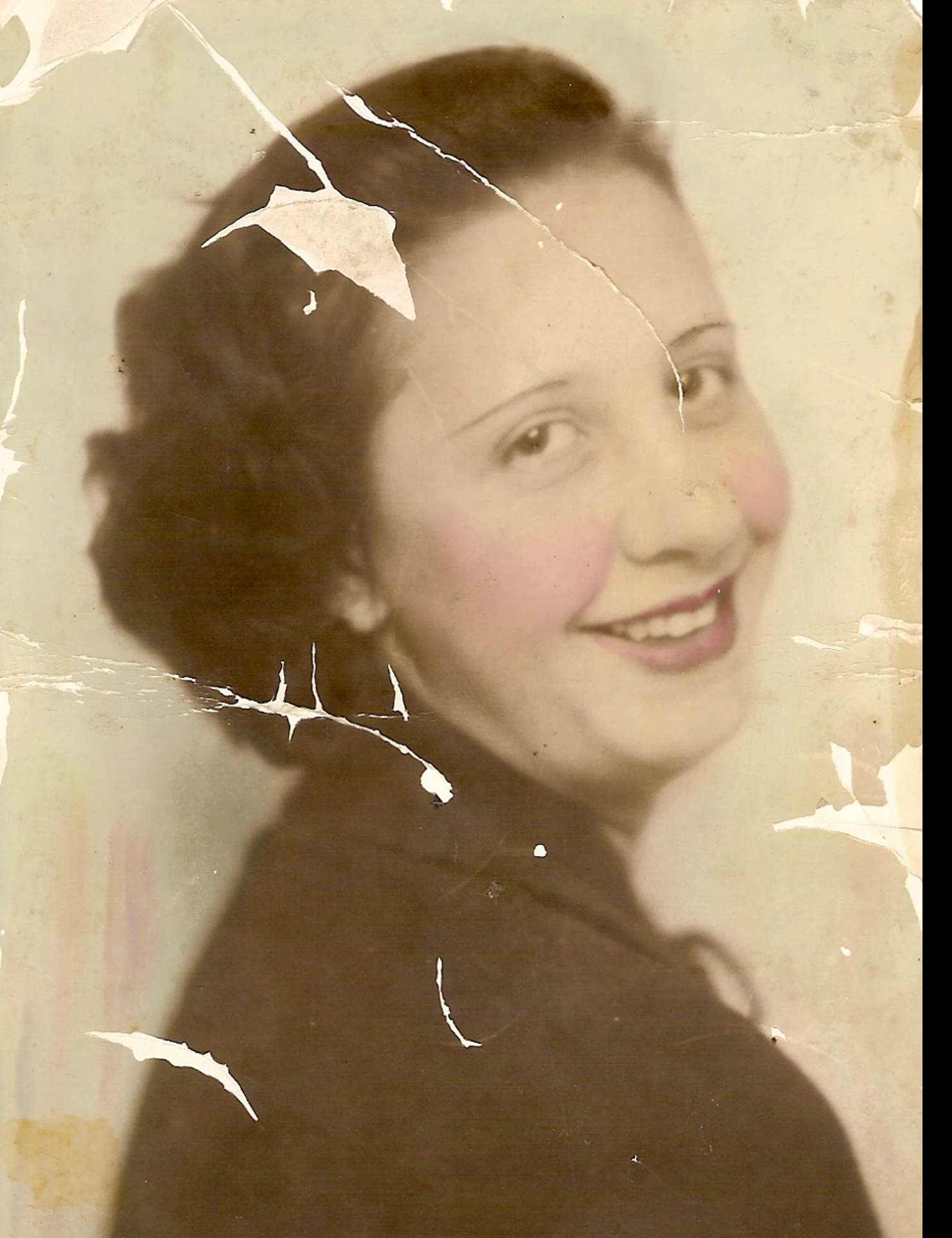
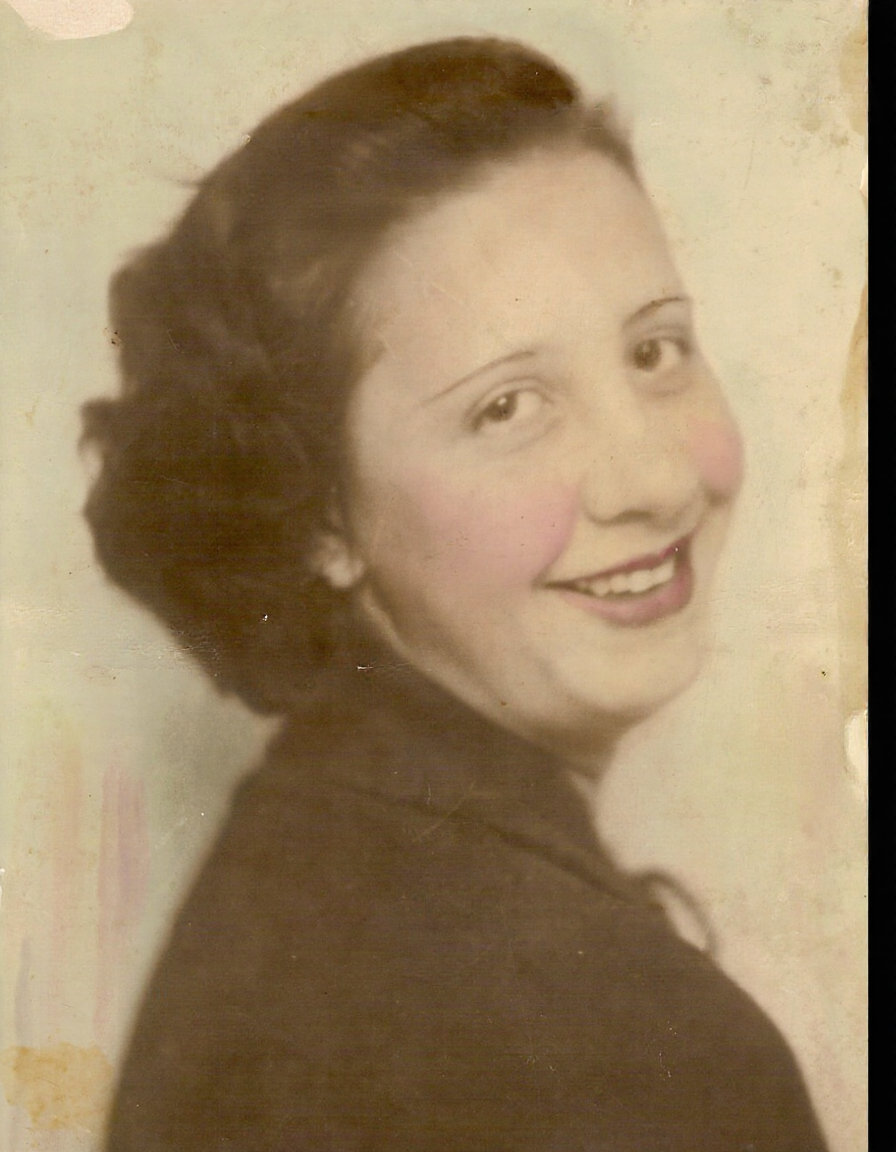
AI restore vintage family portrait heavily covered with scratches and tear marks - OriginalAI restore vintage family portrait heavily covered with scratches and tear marks

AI restore vintage family portrait heavily covered with scratches and tear marks

Can I fix an old sepia woman portrait full of cracks and peeling damage with one click?

Yes you can. This case uses imgAk AI scratch and photo damage remover, which automatically erases all crease and tear marks while preserving all original facial and hair details for a natural clean result.